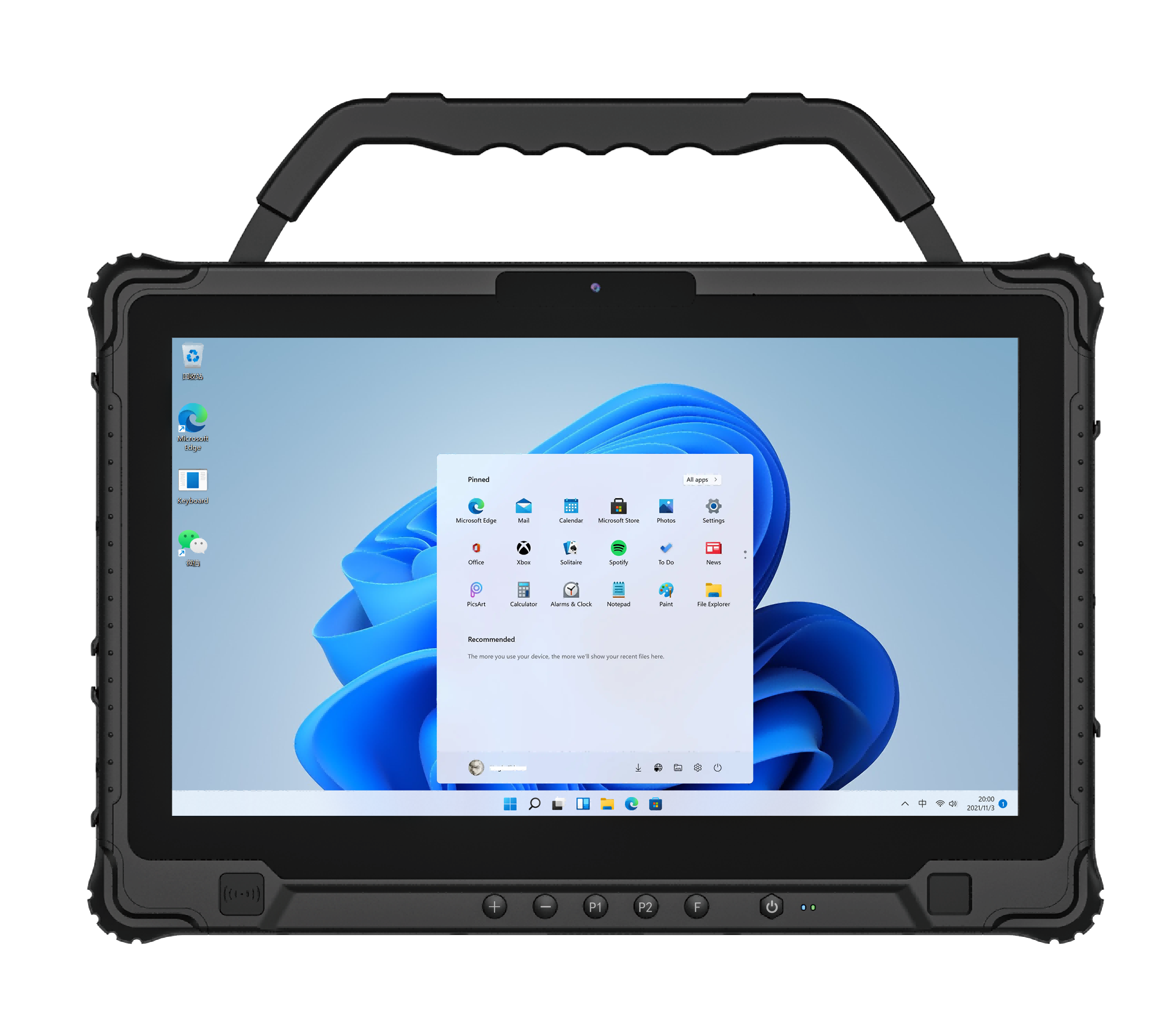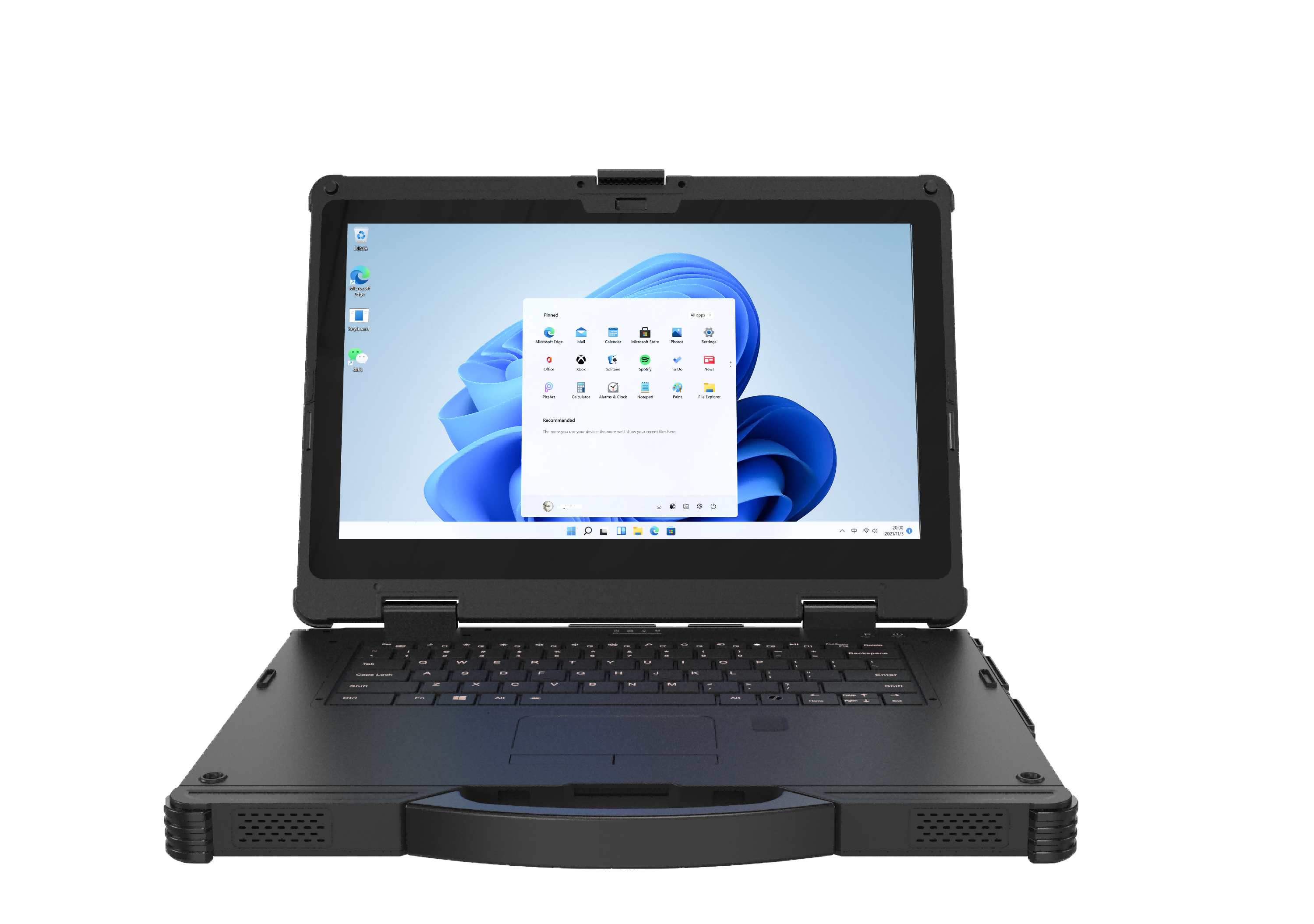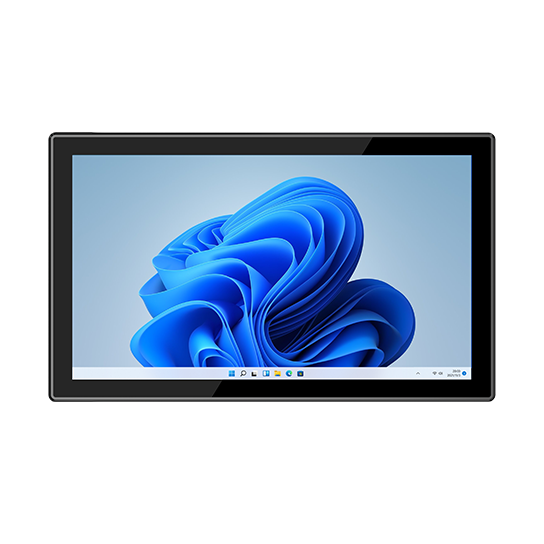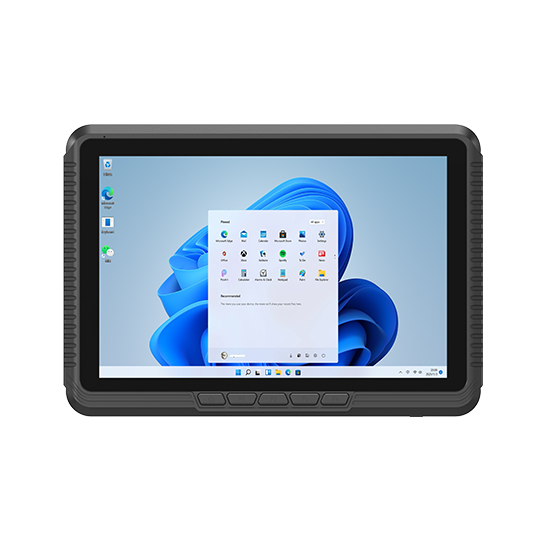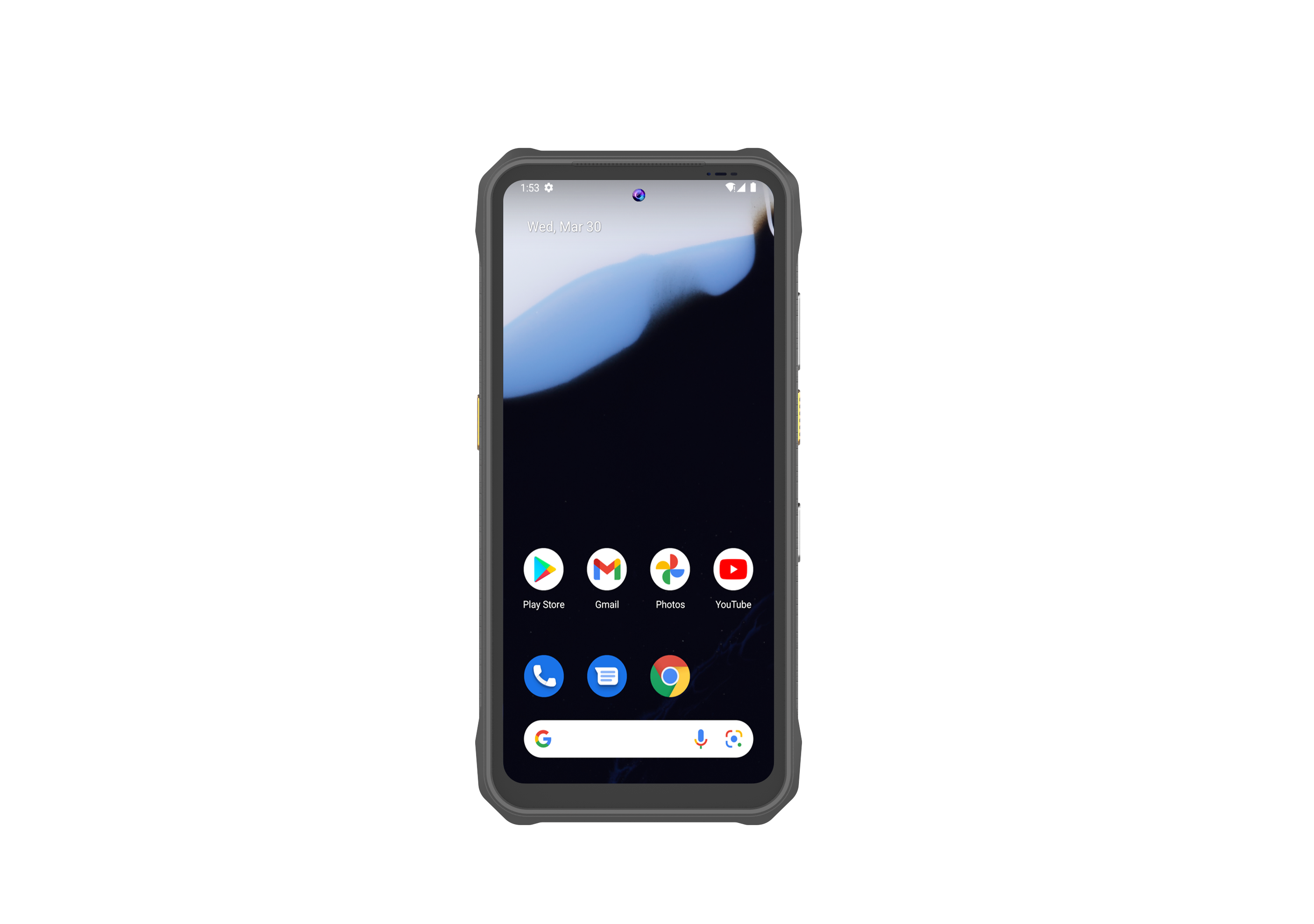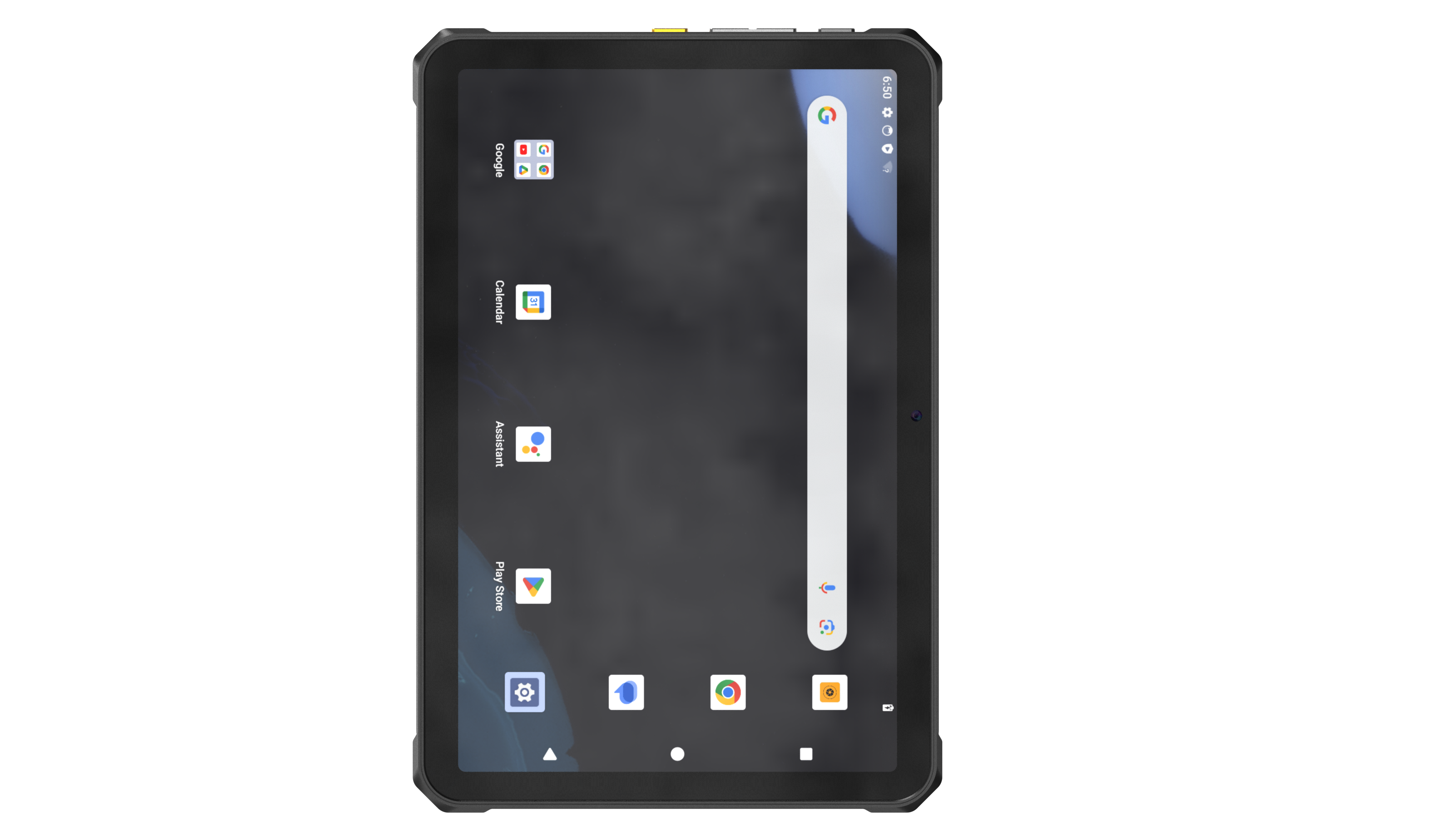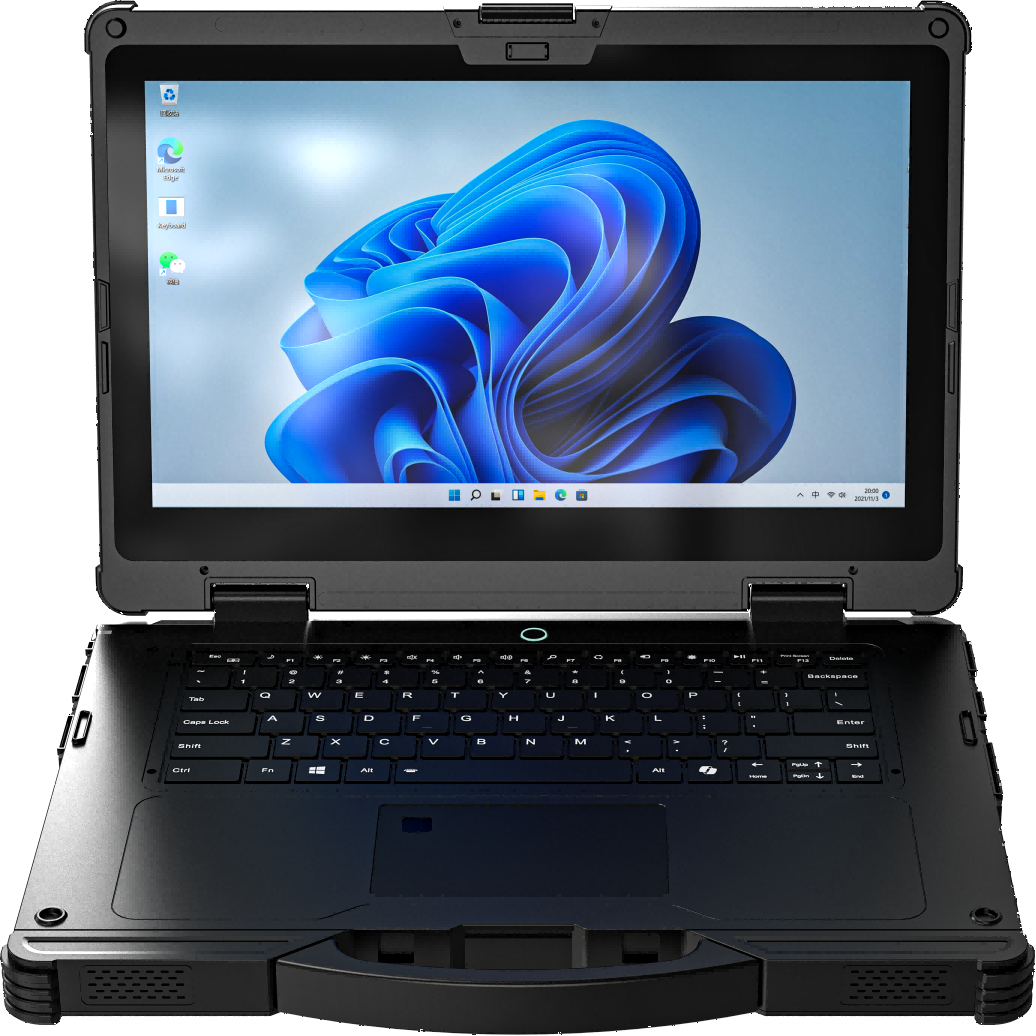

Start with how the device will be carried, mounted, powered, connected, and managed. Then shortlist the rugged tablet, notebook, AI PC, vehicle PC, panel PC, handheld, or outdoor device family that fits the job.
A rugged device decision usually starts with the operating environment, software stack, installation method, and capture requirement rather than a single specification.
Each Emdoor Rugged family is built for a different operating role: hand carry, keyboard work, vehicle mount, HMI, barcode capture, outdoor use, or local AI computing.
The right platform is the one that reduces deployment risk
Confirm the worksite, OS, software, accessories, certification direction, quantity, and support ownership before locking the final model.
01MobileTablet or handheld for movement between tasks.02MountedVehicle PC with stable power, dock, and antenna planning.03FixedIndustrial PC for HMI, monitoring, and integrated I/O.04Keyboard-ledNotebook for Windows tools and data-heavy workflows.
Family comparison
Compare by role, platform, and deployment condition
Use this comparison to move from a broad product family to the models and accessories that should enter quotation review.
Emdoor supports project-based rugged computer configuration across hardware modules, OS images, accessories, branding, documentation, and repeatable delivery. Use customization when a standard product needs to match a defined workflow, vehicle, factory, warehouse, field service, or regional delivery requirement.
Shortlist the family, then confirm the configuration
Share the operating environment, software stack, target market, quantity, and delivery timeline. Emdoor can help align the device family, accessories, software image, and customization scope.
These answers help buyers move from category selection to an accurate quotation scope.
Choose a tablet for touch-led mobile work, scanning, field apps, and docking. Choose a notebook when the workflow depends on Windows desktop software, a physical keyboard, drivers, ports, or longer data-entry sessions.
A vehicle PC is the stronger direction when the device stays mounted and requires stable vehicle power, vibration planning, external antennas, and fixed positioning. A tablet is more flexible when workers regularly remove it from the vehicle.
Yes. Start with the work role, environment, operating system, screen class, modules, installation, accessories, quantity, target market, and delivery timing.
Yes. Docking, mounting, charging, scanning, MDM, kiosk control, OS image, branding, and selected project support can be reviewed with the device family.