



Mobile record access
Define the exact task and user role before selecting the device family.
Challenge 01

 16/17F, Emdoor Building, No.8 Guangke 1st Road, Pingshan District, Shenzhen



Emdoor medical tablet computers can make intelligent operation, real-time monitoring, remote diagnosis, and cloud management. Using medical tablet pc in healthcare is popular, and the healthcare tablet computers are becoming more and more professional. Buy rugged medical tablet? Inquire now!
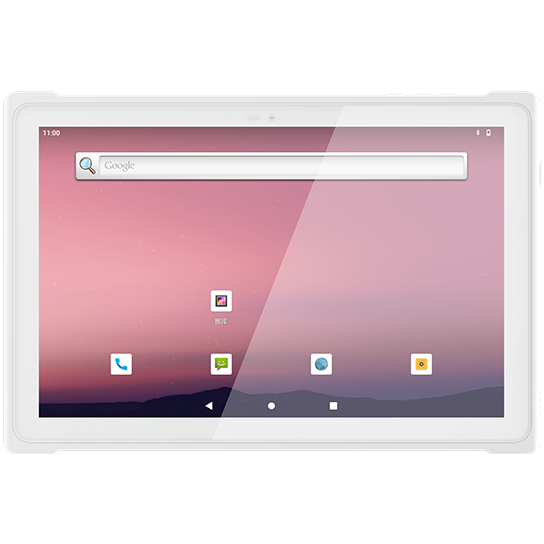
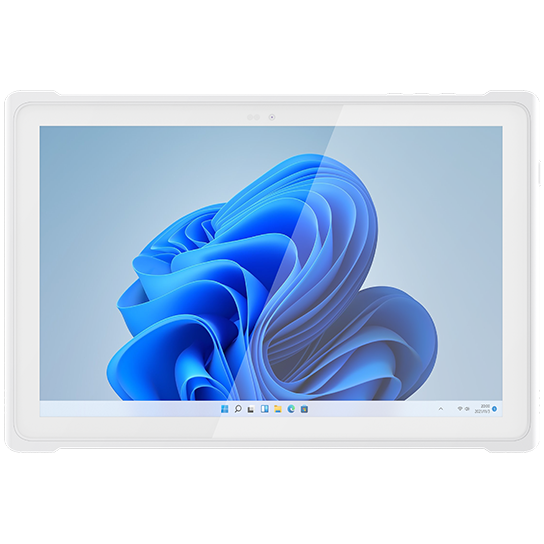
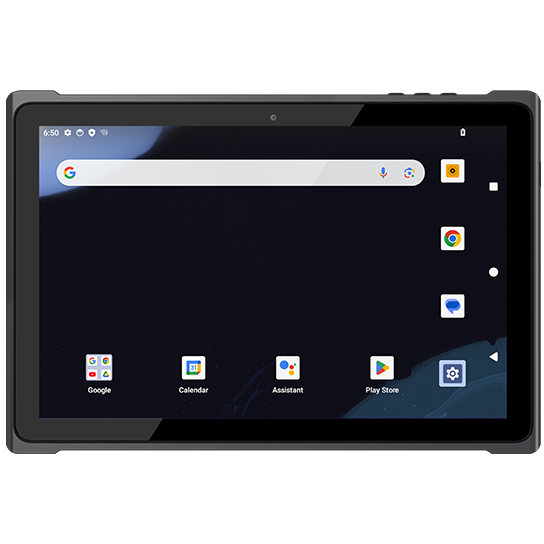
Medical tablets support mobile records, monitoring, readable displays, reliable connectivity, and cleaner handoff across care workflows.
Define the exact task and user role before selecting the device family.
Challenge 01Match capture method, screen, wireless, and accessories to the work point.
Challenge 02Keep the captured record connected to the business system that needs it.
Challenge 03Plan charging, mounting, packaging, rollout, and support so the workflow can repeat.
Challenge 04Connect mobile care, secure access, readable operation, connectivity, and cleanable device handling across clinical tasks.
Work conditions guide the shortlist before model selection.
Hardware, software behavior, and accessories should be reviewed together.
The approved configuration should be repeatable after sample validation.
Use measurable conditions to explain why the recommended product direction fits the application.

Use rugged devices to capture real rugged medical tablet pc in medical industry work at the point where the task happens.
Move status, scan, inspection, or location data into the business system without waiting for paper records.
Make damage, mismatch, route change, missed scan, or abnormal work visible early enough for review.
Keep device choice, accessories, software image, packaging, and support repeatable after approval.
Mobile clinical access, cleanable device use, connectivity, and controlled application behavior should be reviewed as one operating system before quotation.
Review screen, protection, input method, operating system, carry, or mounting direction.
Terminal layerMatch barcode, camera, NFC, RFID, GNSS, or sensor requirements to the task.
Input layerPlan Wi-Fi, LTE, Bluetooth, GNSS, docks, interfaces, and offline behavior.
System layerConfirm accessories, software image, packaging, documentation, support, and repeat delivery.
Lifecycle layerExplain the operational value that the solution creates for field teams, managers, and deployment owners.
Review product directions that support Rugged Medical Tablet PC in Medical Industry: model family, OS, capture method, mounting, accessories, and configuration scope.
Explore deployment references connected to Medical Industry so buyers can see how rugged devices are used in comparable operating conditions.

In the past two years, with the increasing awareness of corporate brand marketing, the number of chain stores of most brands has grown rapidly, ranging from hundreds to three or four thousand, which has become a development trend. In the market environment...
View case ↗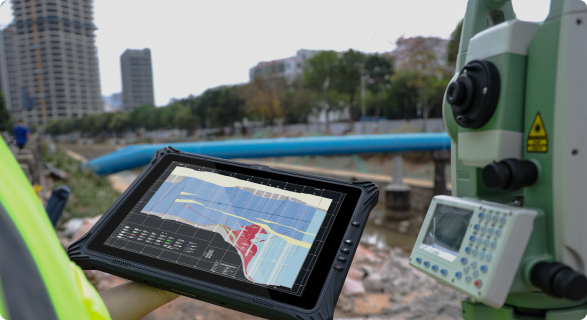
As industries continue to evolve, the need for durable, reliable, and high-performance mobile devices grows in tandem. The EM-T89, an 8-inch lightweight rugged tablet from Emdoor, is a testament to cutting-edge ...
View case ↗
As industries continue to evolve, the need for durable, reliable, and high-performance mobile devices grows in tandem. The EM-T89, an 8-inch lightweight rugged tablet from Emdoor, is a testament to cutting-edge ...
View case ↗Read planning articles that help evaluate Medical Industry device selection, software behavior, accessories, and validation requirements.
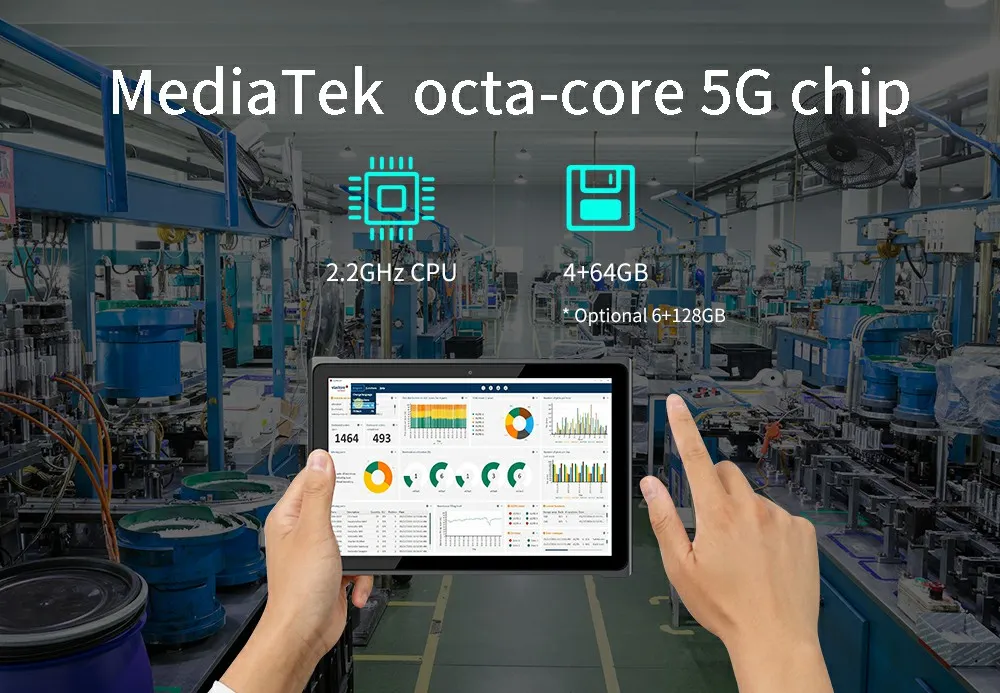
EM-T195 is a rugged tablet that combines portability and practicality. It is only 10.5mm thick, weighs just 650g, and is designed to meet the rigor of today’s mobile workforce with a sleek, compact d...
Read more ↗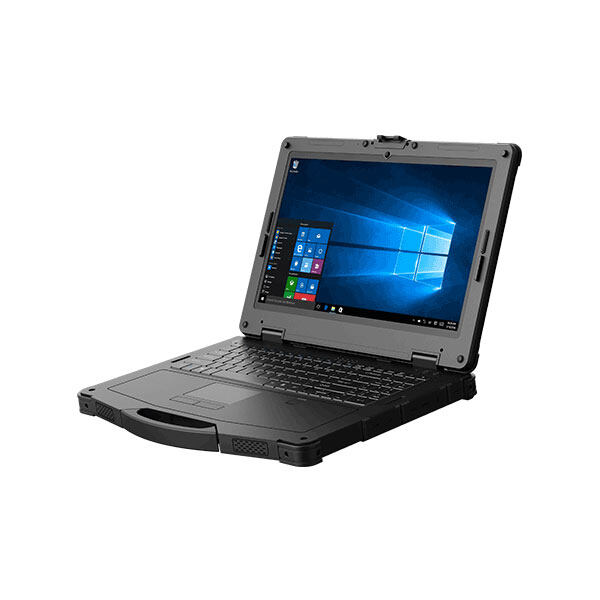
As the society enters the age of information technology, the use of tablet cpmputers can be said to penetrate into various industries, and many hospitals have also chosen to use healthcare tablet PCs ...
Read more ↗The same industry scenario can require different device modules, software policies, accessories, packaging, documentation, and validation steps. Customization keeps those decisions connected before quotation.
Emdoor can review the work environment, user role, operating system, data capture method, connectivity, mounting or carry method, accessories, quantity, delivery market, and timeline to define a practical device direction.
Get a solution recommendationThese answers help define the operating scene, device direction, and project scope for Rugged Medical Tablet PC in Medical Industry.
Share the exact workflow and system environment before model selection.
Hardware, software, and accessories should be reviewed as one working system.
Configured projects should be reviewed before quotation or sample approval.
Related products are a starting point, not the final project configuration.