







 16/17F, Emdoor Building, No.8 Guangke 1st Road, Pingshan District, Shenzhen


Device management
MDM
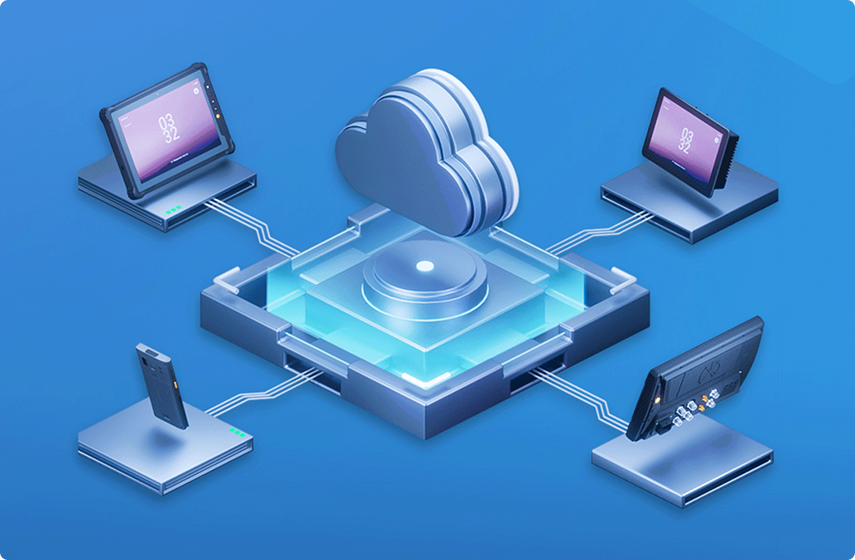
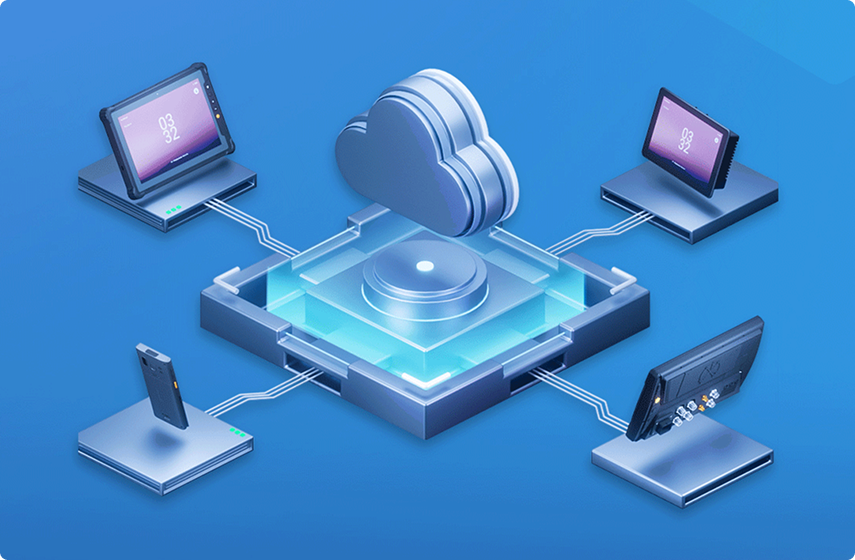
MDM solution offers remote management services for handhelds, tablets, and other smart devices. Key features include centralized device control, OTA upgrades, geofencing, app management, and file management, empowering industries to establish enterprise-grade security platforms, silgnificantly enhancing device management efficiency and productivity.
- Role-based policy
- Remote configuration
- Fleet visibility
Restricted access
Kiosk Mode
Kiosk Mode APP has functions such as usage restriction, which can help administrators to limit the programs or services available to device users, helping to streamline interaction, improve productivity, and enhance security. It is suitable for retail, logistics, hospital, education, hotel, and other user scenarios.
- Program restriction
- Admin and user modes
- Configuration import and export
Android extension
Settings Extension
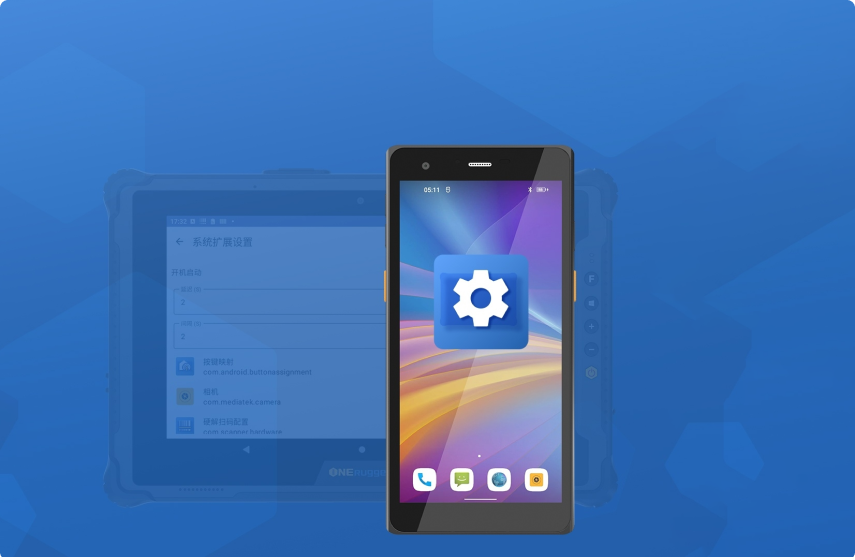
Settings Extension provides additional features and content that extend to Android devices to help meet specific needs and improve application efficiency for a more comprehensive experience.
- System configuration
- Network and key settings
- Configuration import and export
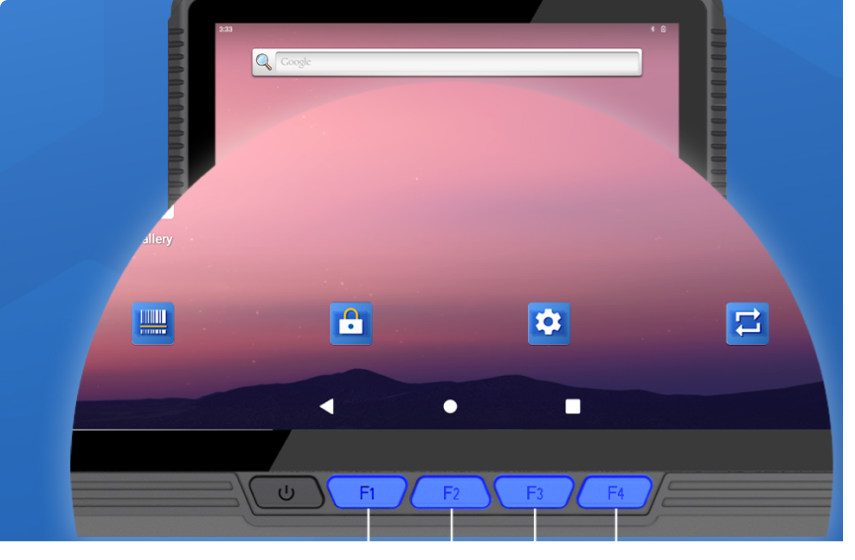
Hardware keys
Key Mapper
Key Mapper is a tool for customizing key functions. With simple operations, you can directly map and bind physical keys of an Android device to application services, to facilitate the operation of various functions. It is easy to use and has great compatibility.
- Custom key functions
- Four operation modes
- Scan and screenshot actions
System event
Broadcast Receiver
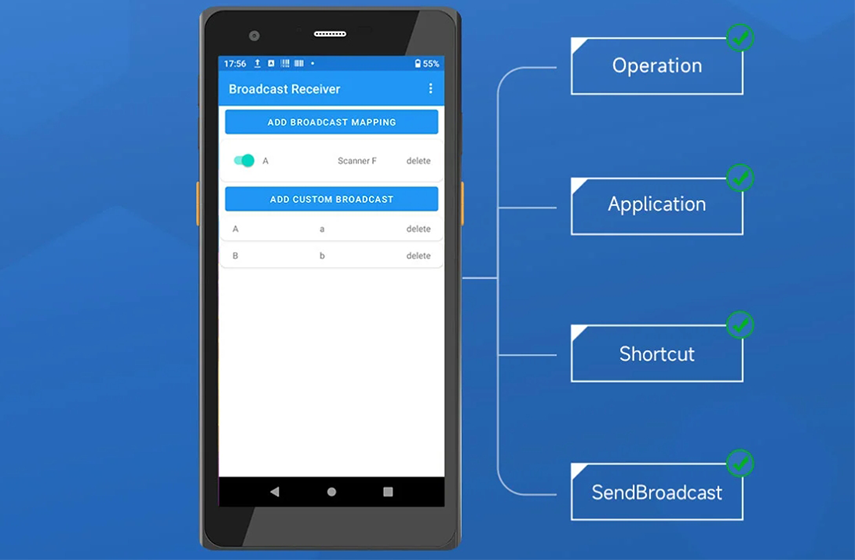
When the Android device system sends a broadcast, Broadcast Receiver can receive it and take corresponding actions, such as waking up a function or service, to improve the responsiveness and connectivity of Android devices to meet the user convenience.
- Preset broadcasts
- Custom broadcast mappings
- Application and shortcut mapping
OTA service
OTA Updater
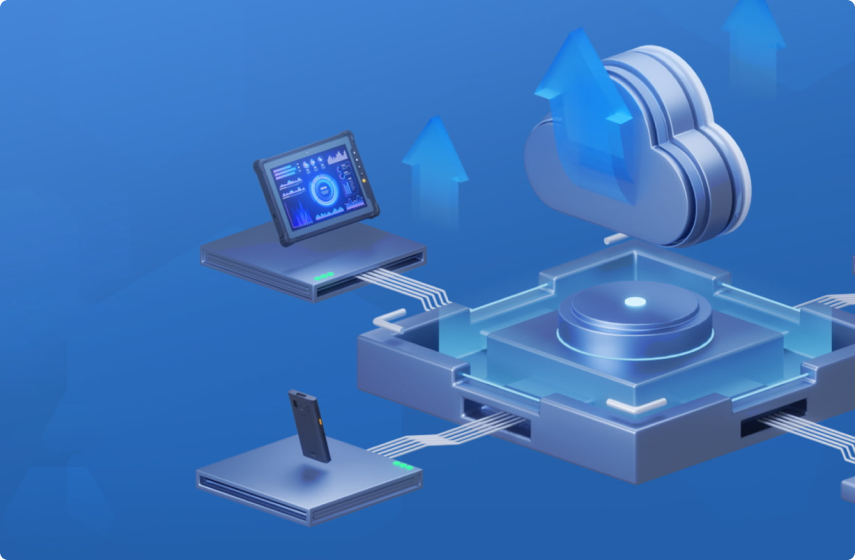
OTA Update provides device users and managers with high-speed, stable and secure OTA upgrade solutions, to meet various upgrade requirements such as system upgrades and application upgrades.
- Firmware updates
- Application upgrades
- Scheduled rollouts
Scanning service
Barcode Scanner
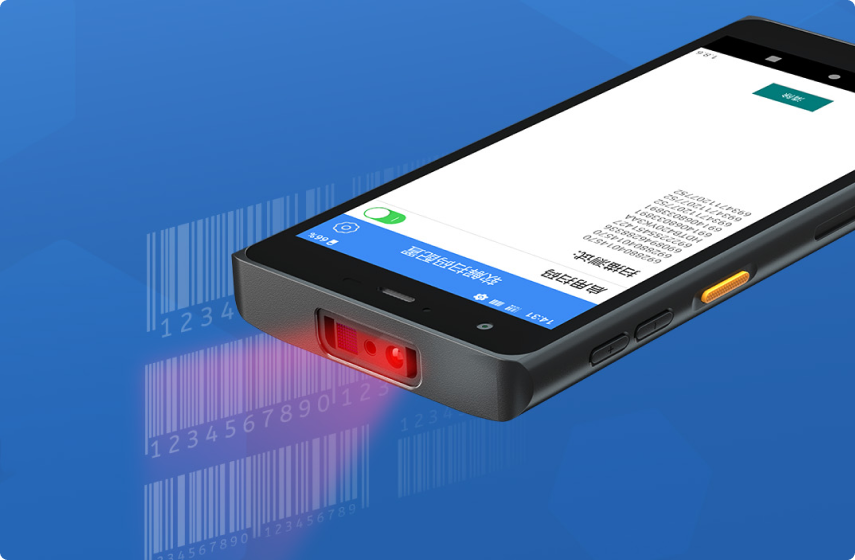
Barcode Scanner mainly provides one/two-dimensional code scanning service for Android devices integrated with one/two-dimensional code scanners. With the cooperation of software and hardware, it supports multiple code systems and extensive functions, making it fast, convenient, and accurate to scan codes.
- 1D and 2D scanning
- Input box return
- Output and code settings
OEM / ODM customization
Connect software behavior with project configuration
Software value depends on the selected device family, operating system, user role, accessories, network conditions, update method, and support workflow. Customization helps align these choices before pilot or batch rollout.