
Products Products
AMD Ryzen AIpowered PC designed for high performance in demanding environments. Explore More
AMD Ryzen™ AI-powered PC designed for high performance in demanding environments.
Explore More AMD Ryzen AIpowered PC designed for high performance in demanding environments. Explore More
View All Product Categories View All Product Categories
MDM / DEVICE MANAGEMENT

Control rugged devices from deployment to field operation

Prepare device groups, applications, permissions, restrictions, and support workflows before rollout, then keep field fleets easier to monitor and maintain.

  • Role-based policy
  • Remote configuration
  • Fleet visibility
OPERATIONAL OUTCOMES

What changes after devices become managed

Begin with rollout consistency and support outcomes, then map the software functions required to produce them.

Consistent configuration

Prepare devices around a defined user role, site, application set, and task workflow instead of repeating setup device by device.


Controlled operation

Keep field users inside the approved applications, permissions, settings, and actions required for the job.

Clearer fleet support

Organize device groups, issue feedback, updates, and recovery expectations before the fleet grows across sites.

CONTROL ARCHITECTURE

One management loop from policy to field feedback

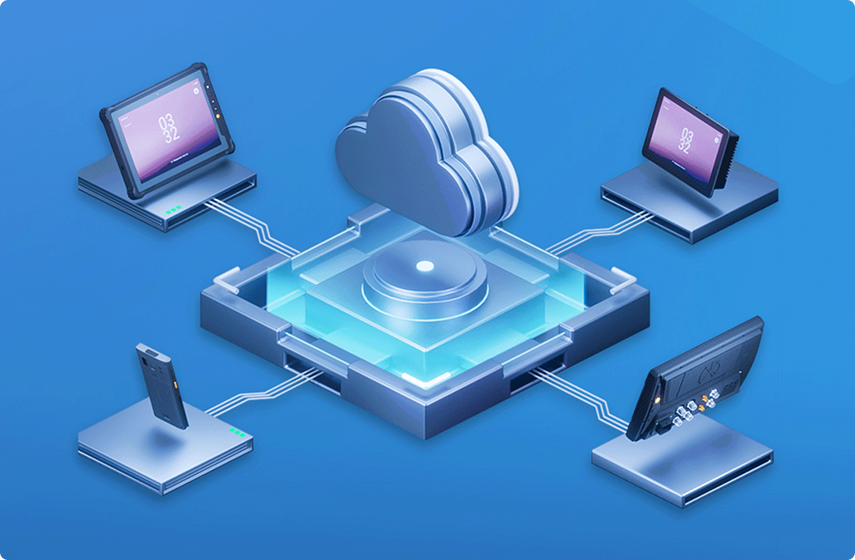
A deployment works when policy, device groups, applications, field behavior, and support feedback are reviewed as one connected system.

Console

Establish the administration entry point, roles, and operating responsibility.

Policy

Define applications, permissions, restrictions, settings, and update behavior.

Device groups

Organize devices by site, user role, pilot batch, application, or support path.

Field devices

Deliver the approved work environment to tablets, handhelds, vehicle devices, or notebooks.

Feedback

Review rollout status, issue patterns, update needs, and future configuration changes.

CORE CAPABILITIES

Six controls that shape a managed fleet

Each capability should be confirmed against the selected rugged device, operating system, application environment, and deployment process.

1

Device enrollment

Bring devices into a clear fleet structure.

2

Application management

Align application access with the task.

3

Policy control

Keep settings and permissions predictable.

4

Kiosk and restrictions

Focus users on one approved workflow.

5

Monitoring and support

Give support teams a clearer operating picture.

6

Update planning

Define when and how the fleet changes.

ROLE WORKFLOWS

The same software creates different value by role

Switch perspectives without changing the core deployment: administration sets control, operations protects continuity, and field users receive a focused work environment.
ADMINISTRATION VIEW

Translate project rules into device policy

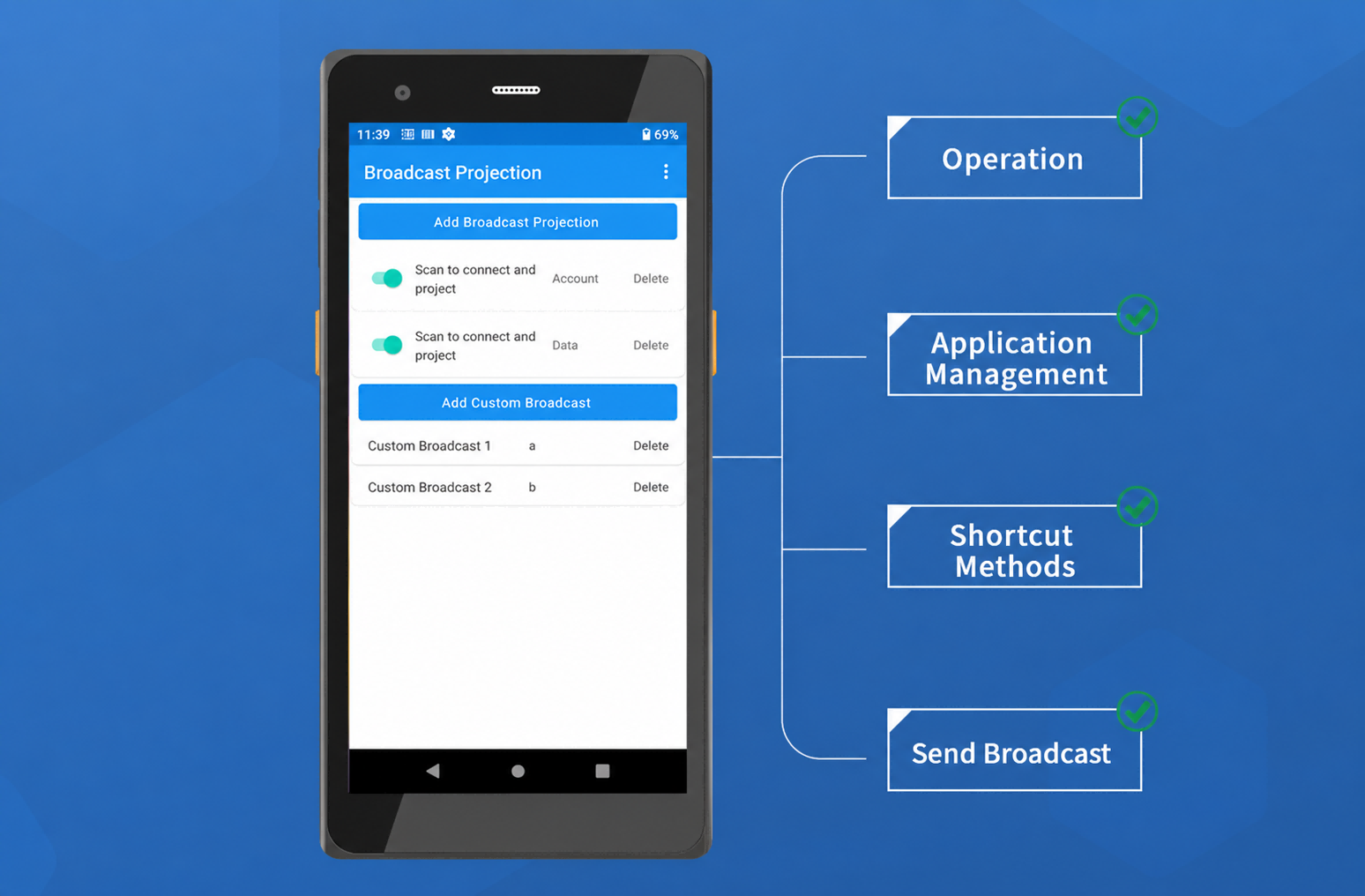
  • Group devices, align applications and restrictions, define update windows, and prepare issue ownership before rollout.
  • Control: policy, apps, permissions, groups
  • Evidence: pilot result and configuration record
  • Outcome: fewer inconsistent field setups
DEPLOYMENT LIFECYCLE

Move from requirement to a supportable fleet

Software deployment is a staged operating process. Each stage should leave evidence for the next decision.

Assess

Users, apps, devices, interfaces, sites, and risks.

Configure

Groups, policy, permissions, preload, and support rules.

Pilot

Validate devices, applications, accessories, and user behavior.

Deploy

Release approved batches with documentation and ownership.

Monitor

Review status, support patterns, updates, and recovery needs.

Optimize

Refine policy, timing, instructions, and the next deployment batch.

DEVICE COMPATIBILITY

Confirm software fit with the selected device family

Compatibility depends on the model, operating system, application environment, interfaces, accessories, and project scope.
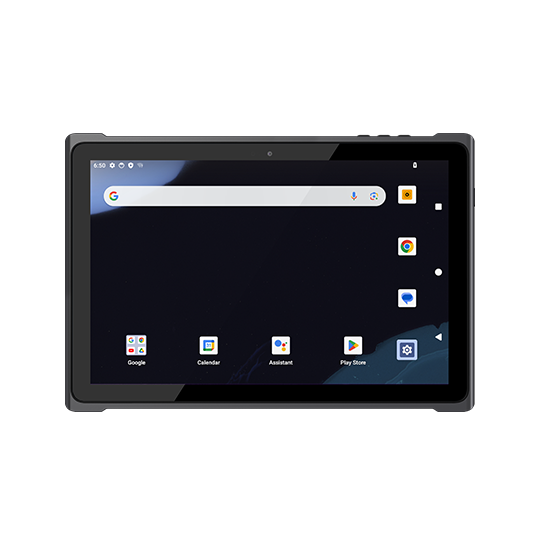
MOBILE / TOUCH

Rugged Tablet

Inspection, field service, logistics, mobile data, and configurable modules.
  • Confirm OS and application stack
  • Confirm scanner, NFC, GNSS, LTE, or dock
View category
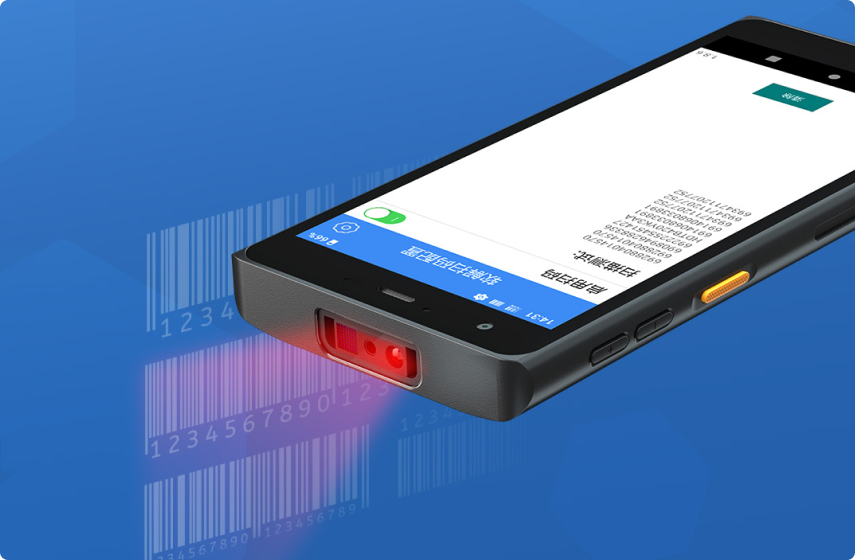
SCAN / TRANSACTION

Handheld Terminal

Inventory, retail, route delivery, barcode, and asset workflows.

  • Confirm Android direction and scanner service
  • Confirm cradle, keys, and application behavior
View category
MOUNTED / FLEET

Vehicle Computer

Dispatch, route, vehicle workflow, positioning, and driver terminals.
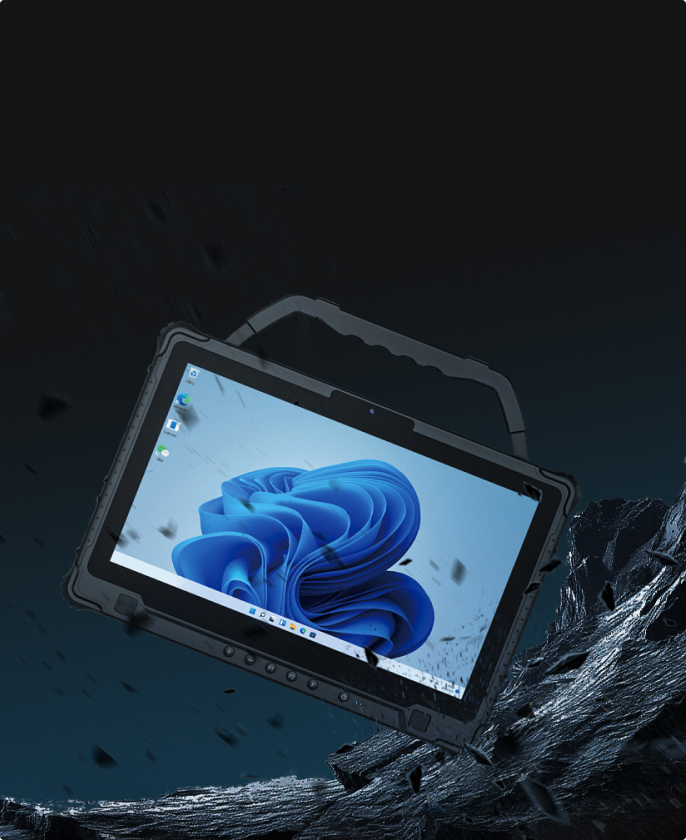
  • Confirm stable power and network path
  • Confirm update and support window
View category
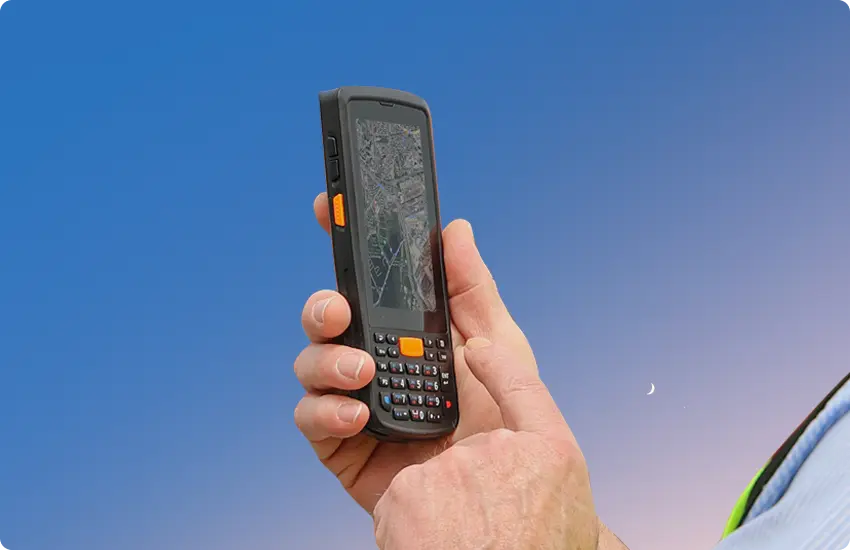
KEYBOARD / WINDOWS

Rugged Notebook

Diagnostics, engineering software, field workstation, and maintenance.

  • Confirm Windows software and permissions
  • Confirm ports, drivers, and security policy
View category
PROJECT BOUNDARY

Separate software capability from configured delivery

Define the project boundary early so pilot, validation, commercial scope, and lifecycle responsibility remain clear.
STANDARD CAPABILITY

Start from verified software functions

  • Enrollment and device groups
  • Application and policy management
  • Permissions and restrictions
  • Monitoring and documented support functions
CONFIGURED PROJECT

Align software, hardware, and delivery scope

  • OS image, preload, kiosk, and permissions
  • OTA strategy, pilot, and recovery method
  • Branding, market, packaging, and documentation
  • Quantity, timeline, sites, and support ownership
Review project scope
VALIDATION EVIDENCE

Approve the operating result before batch rollout

Use a pilot to replace assumptions with configuration, device, application, accessory, network, and support evidence.

Pilot checklist

Defined users, devices, applications, and acceptance conditions.

Policy validation

Verified permissions, restrictions, keys, and workflow behavior.

Device acceptance

Confirmed OS, scanner, dock, network, and application fit.

Update and recovery

Tested timing, fallback, documentation, and issue ownership.

OEM / ODM customization

Make the software behave like the deployment

A software rollout is easier to validate when device model, operating system, user permissions, application preload, accessories, update rules, and support expectations are reviewed together.

01Hardware configurationSelect display, ports, scanner, NFC/RFID, camera, GNSS, LTE, dock, mount, battery, power, and housing options around the deployment.
02Software and controlPrepare OS image, application preload, kiosk policy, key mapping, MDM settings, permissions, update control, and recovery behavior.
03Branding and deliveryAlign logo, labels, packaging, documentation, certification direction, pilot validation, batch release, market configuration, and lifecycle support.
DEPLOYMENT BRIEF

Plan MDM with the rugged device project

Share the operating conditions that affect software behavior so the first discussion starts from a realistic pilot scope.

Discuss MDM deployment

Device and OS

Family, model, system, applications, scanner, keys, dock, and network.

User policy

Roles, access, restrictions, settings, workflow, and support level.

Deployment model

Pilot, quantity, sites, markets, timing, and update windows.

Support path

Documentation, training, feedback, recovery, and lifecycle expectations.

BUYER FAQ

Questions before an MDM deployment review

Confirm compatibility, pilot scope, preload, update, and project ownership before quotation.

Role-based policy can be discussed for IT administrators, operations teams, drivers, warehouse operators, field workers, and other users according to the selected device and project workflow.
Compatibility depends on the device family, model, operating system, application environment, interfaces, and project scope. Confirm the selected configuration before assuming support.
Preload and pre-configuration can be reviewed together with the OS image, application package, kiosk policy, permissions, device settings, and delivery process.
A pilot is recommended to validate policy behavior, applications, accessories, networks, support procedures, and user workflow before batch rollout.
MDM can be reviewed together with hardware modules, scanners, keys, docks, accessories, OS images, application preload, branding, packaging, and delivery requirements.
Update windows, recovery methods, monitoring expectations, documentation, issue feedback, and lifecycle support should be defined during the project review and verified during the pilot.