






 16/17F, Emdoor Building, No.8 Guangke 1st Road, Pingshan District, Shenzhen


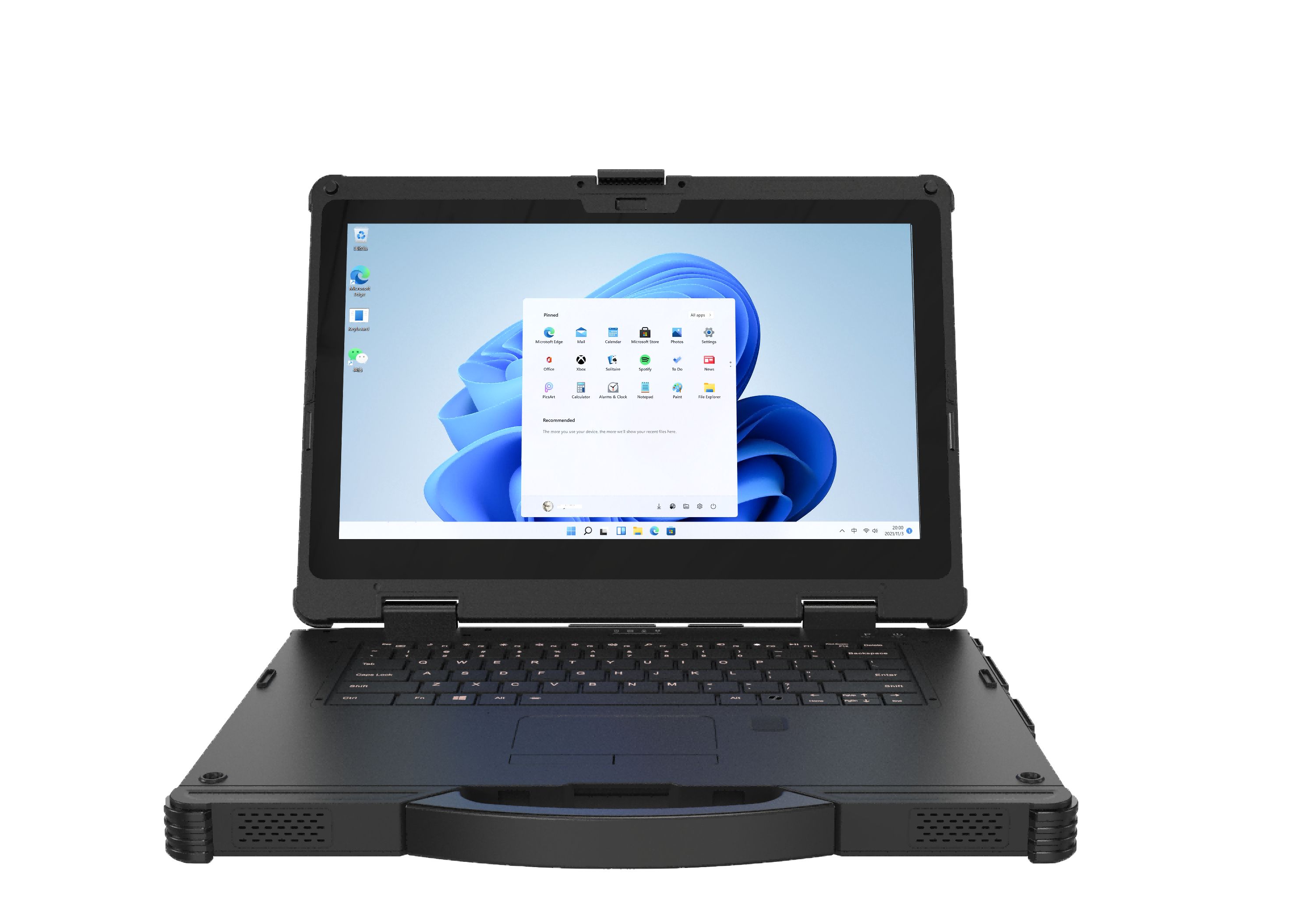
Keyboard Product Family
Rugged notebooks for diagnostics and engineering work
Use rugged notebooks when teams need a keyboard, larger Windows workspace, ports, drivers, and field-ready durability for maintenance, diagnostics, and engineering software.
Rugged NotebookCategory focus
Project fitConfiguration support
OEM / ODMDeployment support
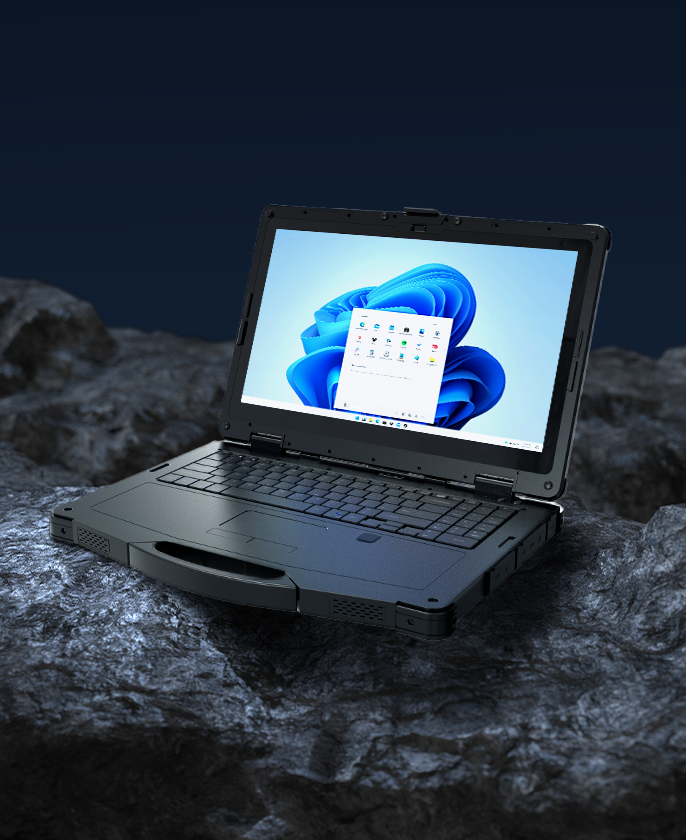
Featured direction
EM-X14M
14″ Intel Windows rugged AI notebook for field and industrial use.
- Display
- 14"
- Platform
- Windows
- Options
- Project dependent
Available Rugged Notebook models
Find the right Rugged Notebook configuration
Filter Rugged Notebook models by deployment scene, operating system, display class, and function. Exact specifications and commercial terms are confirmed by project.
Selected
No matching product
Clear one filter or send your application details to Emdoor for model recommendation.
Get a quote
Equipment anatomy
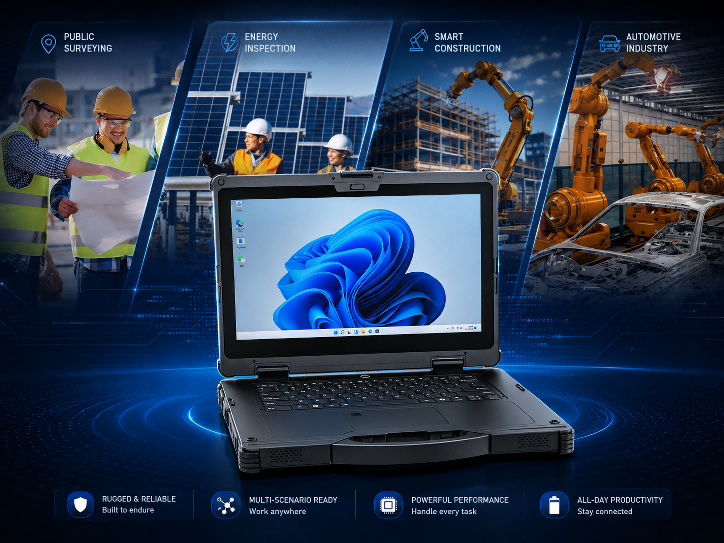
Built as a complete Rugged Notebook working system
Protection, connectivity, capture method, power, mounting, accessories, and software control should be reviewed together before quotation.
ProtectionReview ingress, drop, vibration, temperature, and field durability expectations.
ConnectivityConfirm Wi-Fi, LTE, Bluetooth, GNSS, Ethernet, and project interface needs.
CapturePlan scanner, NFC, camera, RFID, positioning, or data-entry requirements.
DeploymentAlign docks, mounts, charging, software image, packaging, and support ownership.
Application gallery
Where Rugged Notebook devices create value
Start from the environment and workflow, then choose the platform, modules, accessories, and support package that fit it.
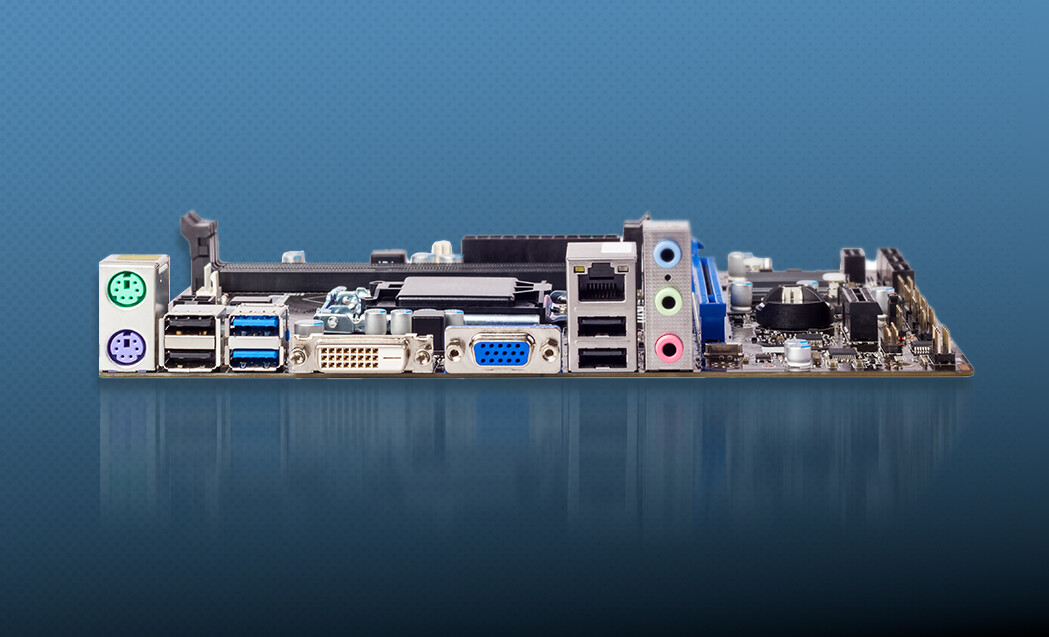
Maintenance diagnostics
Run field diagnostics, configuration tools, and service documentation on a rugged workstation.
- is-wide
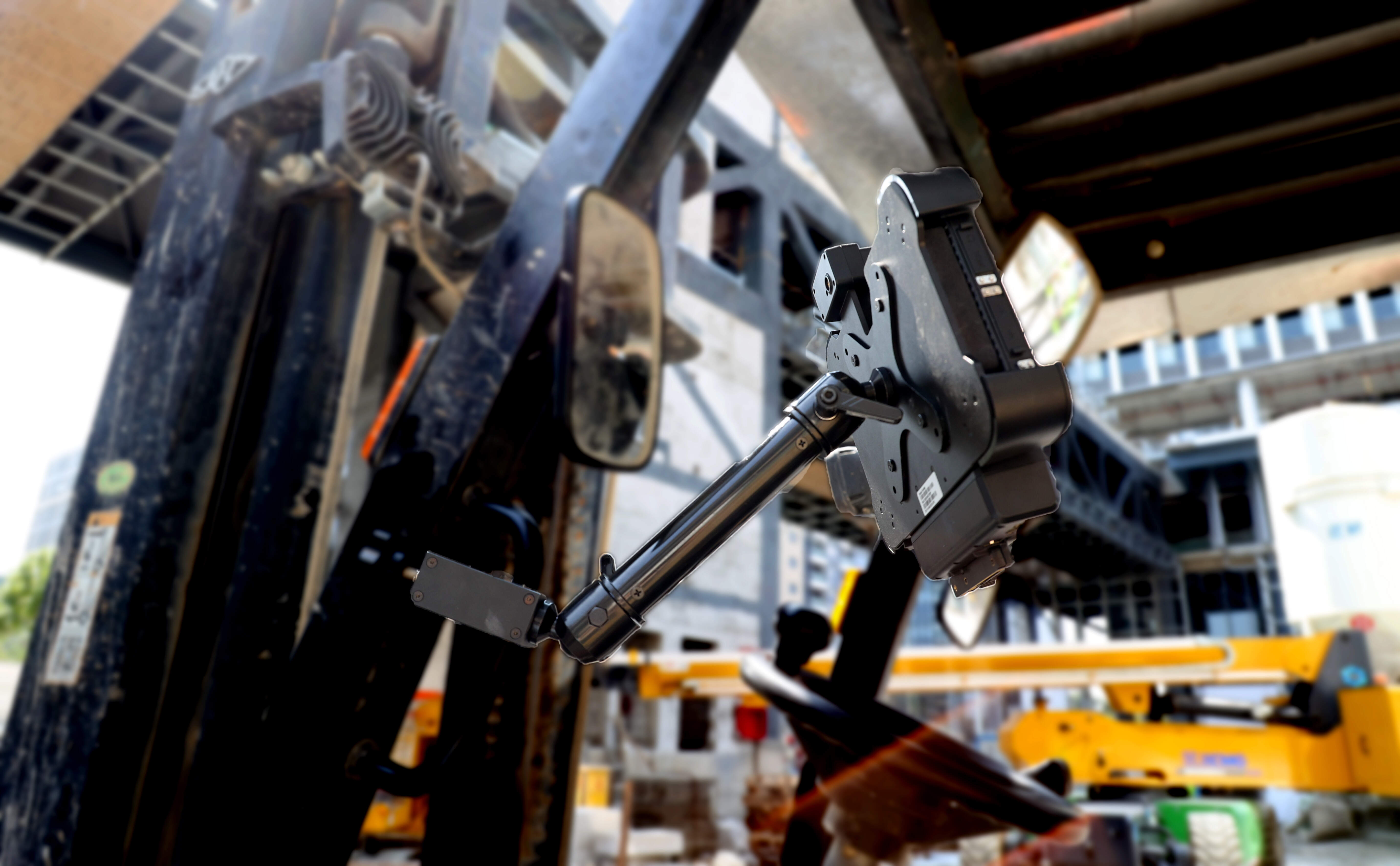
Outdoor engineering
Carry engineering software into survey, construction, energy, and public utility sites.

AI field workstation
Use rugged AI notebook options for heavier compute and assisted field review.
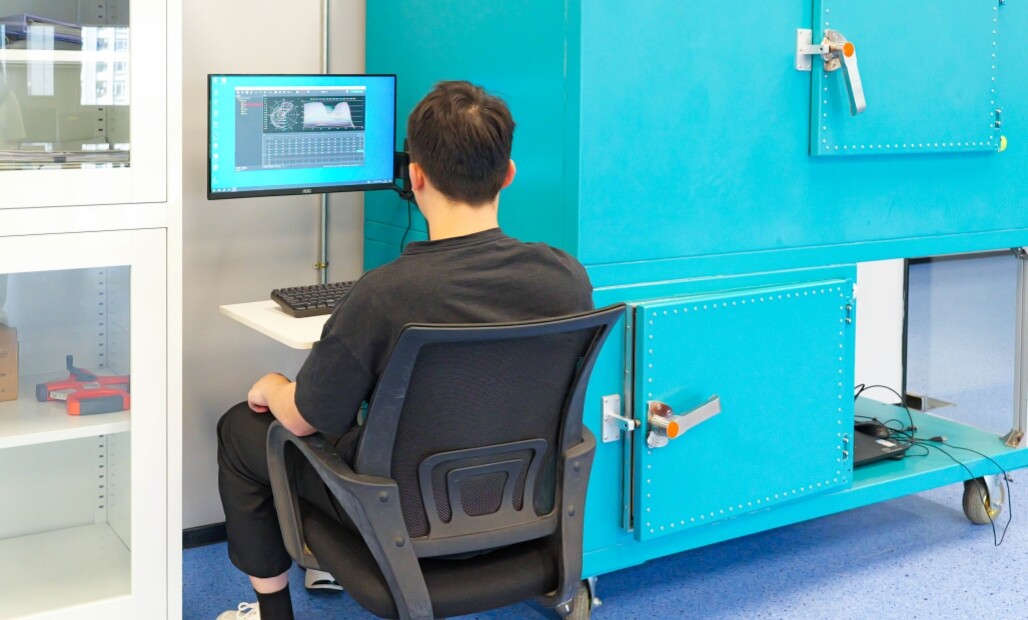
Configured fleet
Standardize operating image, accessories, packaging, and support ownership for repeat delivery.
- is-wide
OEM / ODM customization
When standard Rugged Notebook models need project configuration
Emdoor can review OS image, modules, accessories, branding, packaging, documentation, and delivery requirements when the selected device becomes part of a repeatable deployment.
Project brief
Prepare a clear Rugged Notebook request
A faster quotation starts with the target application, OS, screen size, data capture, mounting, connectivity, accessory, quantity, market, and timeline details.
EnvironmentIndoor, outdoor, vehicle, warehouse, hazardous, or public-facing use.
ConfigurationOS, display, scanner, GNSS, LTE, interfaces, dock, and accessories.
Commercial inputsQuantity, market, certification, branding, delivery, and timeline.
Buyer FAQ
Questions before choosing Rugged Notebook
Use these questions to narrow Rugged Notebook models and avoid late changes during quotation.
Start with the work environment, operating system, screen size, installation method, data-capture requirement, software stack, and accessory plan for Rugged Notebook.
Compare OS, processor, display, protection level, wireless connection, interfaces, accessories, certification direction, quantity, target market, and timeline.
Project support can include model selection, OS image discussion, module bundle, accessories, branding, packaging, documentation, and validation direction depending on quantity and scope.
Share the application environment, software, OS preference, screen size, scanner or GNSS needs, mounting plan, accessory list, quantity, market, and delivery schedule.


Add a comparison product

Go to compare
Clear comparison column