



Related News


 16/17F, Emdoor Building, No.8 Guangke 1st Road, Pingshan District, Shenzhen


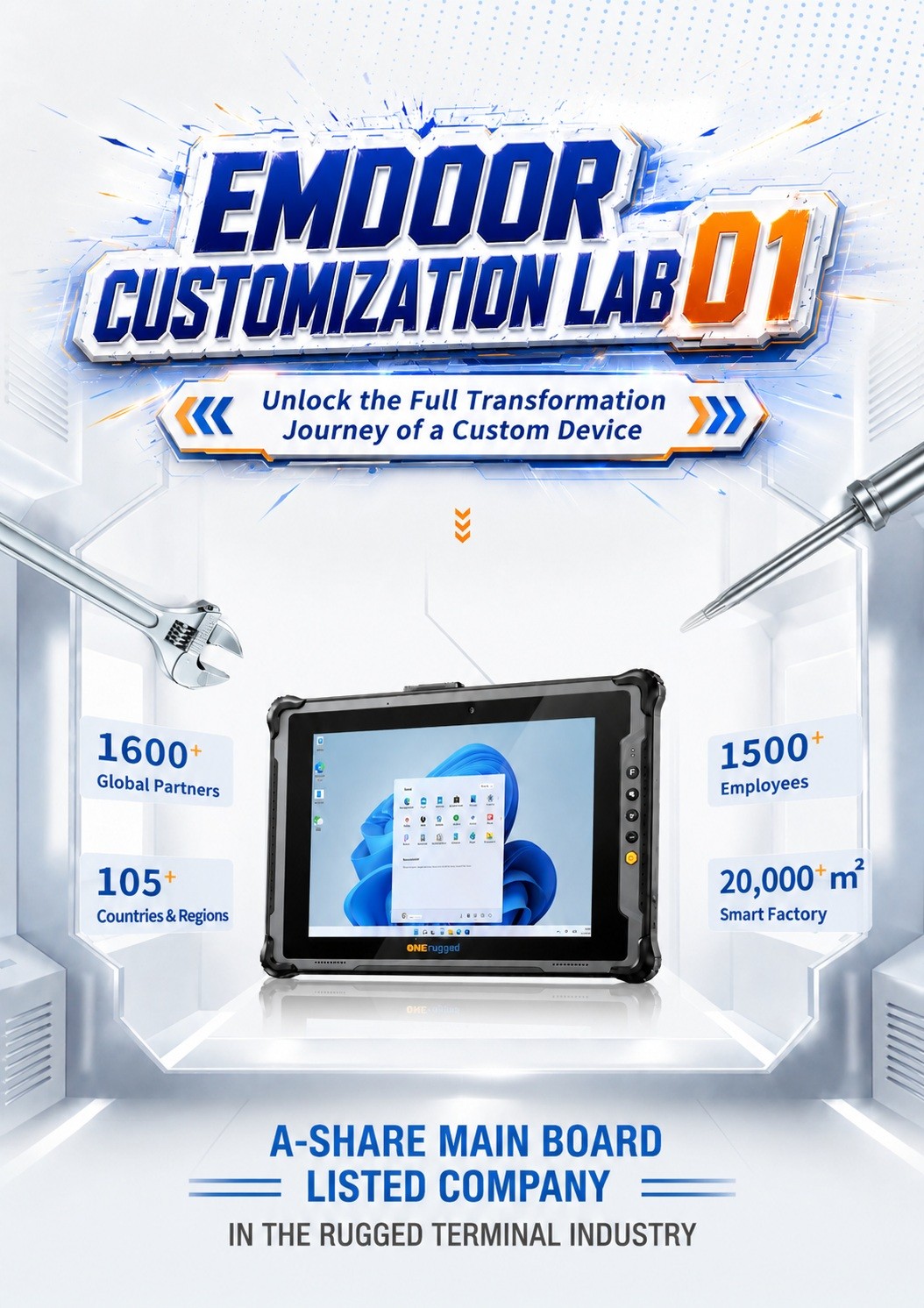
Emdoor Customization Lab 01: Inside the New Customization Workshop
Welcome to Emdoor Customization Lab 01. In this article, we step inside Emdoor’s new customization workshop to explore how a custom rugged device moves from customer requirements to a ready-to-use industrial solution.
For many industry customers, a standard rugged tablet, rugged handheld, or vehicle-mounted terminal may not fully match the actual working environment. Different projects may require special I/O interfaces, customized modules, software adaptation, branding, mounting methods, system images, or scenario-specific testing.
That is why customization is more than changing an appearance. It is a complete engineering process that connects hardware design, software configuration, reliability validation, and delivery standards. Emdoor’s new customization workshop is built to make that process clearer, faster, and more reliable.
Key Takeaways
- Customization Starts from Real Needs: A successful custom rugged device begins with industry scenario analysis, not only product model selection.
- Hardware and Software Work Together: Interface configuration, module options, system settings, applications, and management tools must be aligned.
- Testing Is Part of Customization: Function, compatibility, reliability, and scenario-based validation help ensure the device can work in the intended environment.
- Emdoor Supports OEM/ODM Projects: From rugged tablets and handhelds to vehicle-mounted terminals, Emdoor provides customization support for different industrial applications.
Quick Answer: What Is a Custom Rugged Device?
A custom rugged device is a rugged tablet, handheld terminal, laptop, or vehicle-mounted computer adapted to a specific business scenario. Customization may include hardware interfaces, communication modules, screen brightness, battery configuration, mounting accessories, operating system image, application preinstallation, key mapping, logo branding, packaging, testing requirements, and other project-specific adjustments.
Why Rugged Device Customization Matters
In industrial environments, “one device fits all” is rarely enough. A warehouse project may prioritize barcode scanning, Wi-Fi roaming, and long battery life. A vehicle project may require wide-voltage input, stable mounting, GPS, LTE, and ignition-related behavior. A field inspection project may need sunlight readability, glove operation, camera quality, NFC, and reliable outdoor connectivity.
The working environment decides the device requirements. The device requirements decide the customization path. If this relationship is not clarified early, the project may face repeated communication, mismatched configurations, or additional modification costs later.
Emdoor’s customization workshop is designed to turn complex requirements into a structured process. Instead of treating customization as a temporary change, the workshop helps manage it as an engineering workflow.
Different Industries, Different Priorities
Logistics, manufacturing, transportation, utilities, public services, and field inspection teams all use rugged devices differently. Customization helps the device match the workflow instead of forcing users to change their operations.
Hardware Details Affect Daily Efficiency
A connector position, button function, charging method, screen brightness level, or mounting accessory can directly influence how smoothly a device works in the field.
Software Adaptation Completes the Experience
System images, preinstalled apps, kiosk mode, MDM settings, OTA policies, and key mapping can make a rugged terminal easier to deploy and manage at scale.
Step 01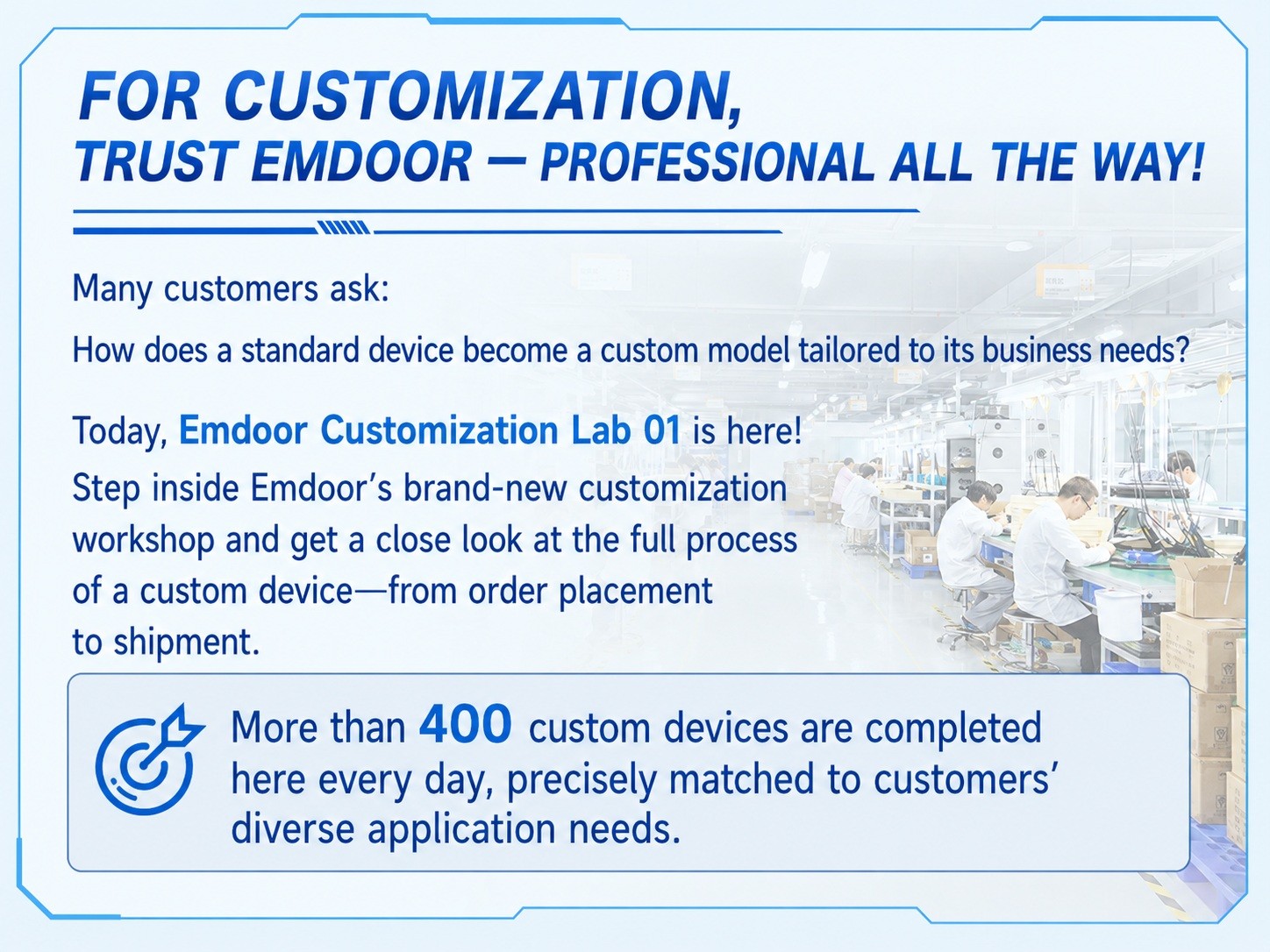
Requirement Analysis: Understanding the Real Application Scenario
Every customization project starts with a simple but important question: where will the device be used? Before engineers discuss structure, modules, or software images, the team needs to understand the customer’s industry, operating environment, user habits, application software, and deployment scale.
For example, a device used on a forklift may face vibration, power fluctuation, and mounting restrictions. A device used in outdoor inspection may need stronger display visibility, higher protection, and stable wireless communication. A device used in retail or production may need kiosk mode and application control.
Clear requirement analysis helps reduce unnecessary modifications and ensures that the final device is designed around the real job to be done.
Step 02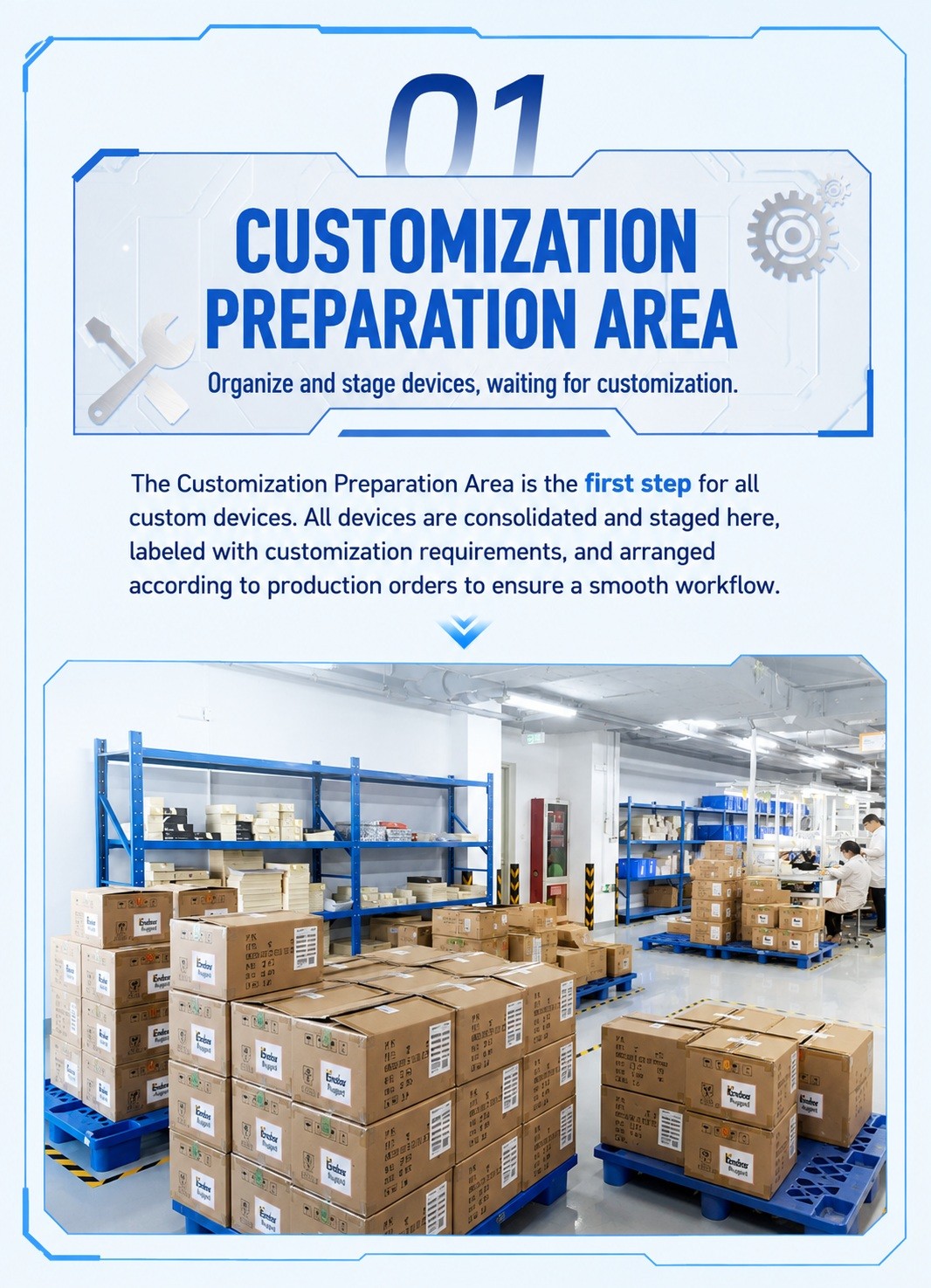
Configuration Planning: Turning Requirements into a Device Plan
After the requirement stage, the customization team translates customer needs into a practical configuration plan. This may include processor platform, memory and storage, display size, brightness, touch mode, battery capacity, communication modules, scanning modules, NFC, camera, GPS, I/O ports, docking accessories, or mounting solutions.
The goal is not to add as many features as possible. The goal is to select the right configuration for the right scenario. A good custom rugged device should be stable, maintainable, and cost-effective while meeting the real operating requirements.
Step 03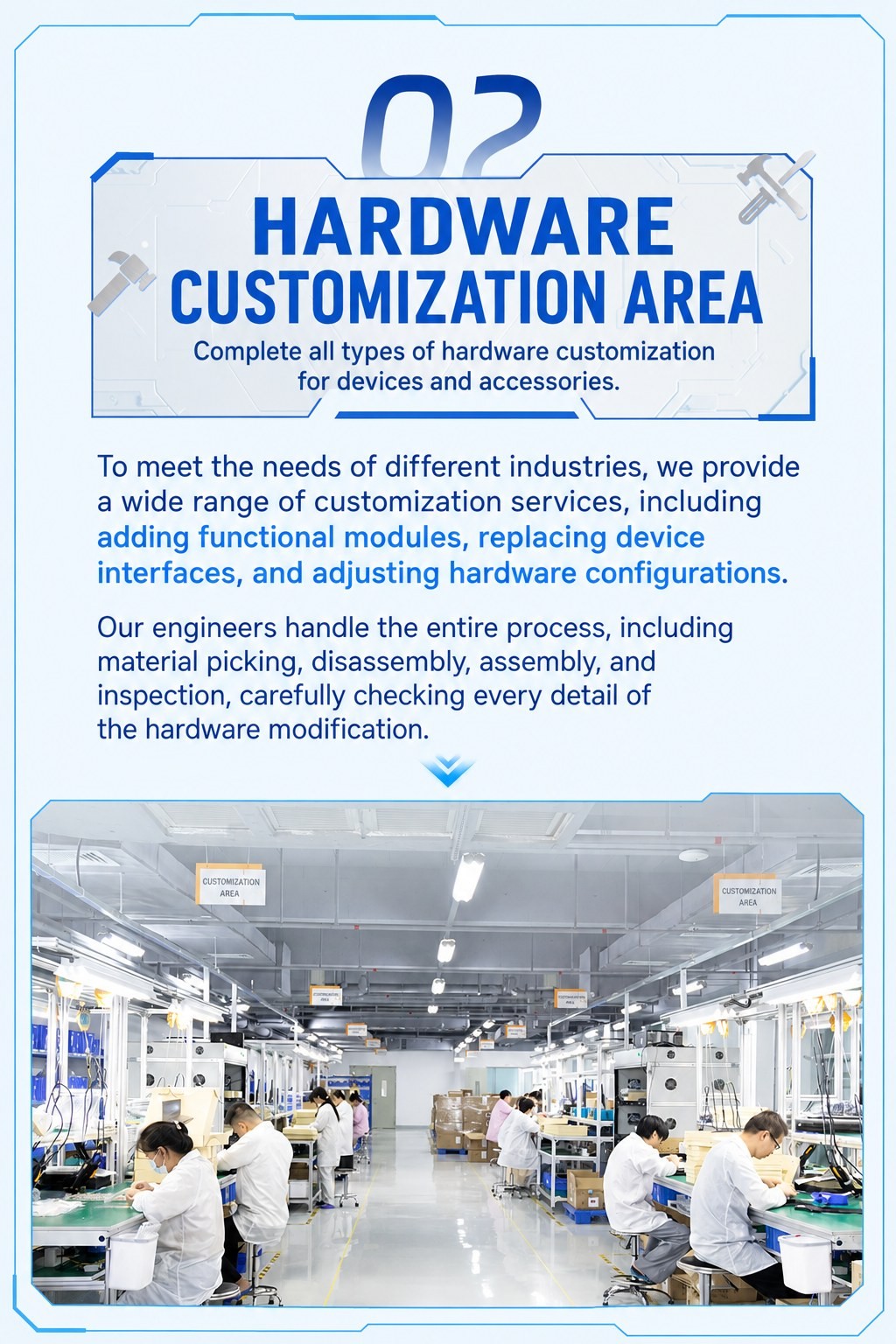
Hardware Customization: Building the Device Around the Workflow
Hardware customization can involve many visible and invisible details. Some customers need additional interface options. Some need special holders, docks, chargers, or vehicle power solutions. Some need changes to buttons, labels, colors, labels, or branding. Others may require module integration for barcode scanning, RFID, NFC, GPS, or wireless communication.
In the customization workshop, these details are evaluated and implemented according to project feasibility and product structure. Engineers need to balance usability, durability, internal layout, heat dissipation, waterproofing, production consistency, and long-term reliability.
A rugged device is not only assembled. It is adapted, verified, and refined to match its intended environment.
Step 04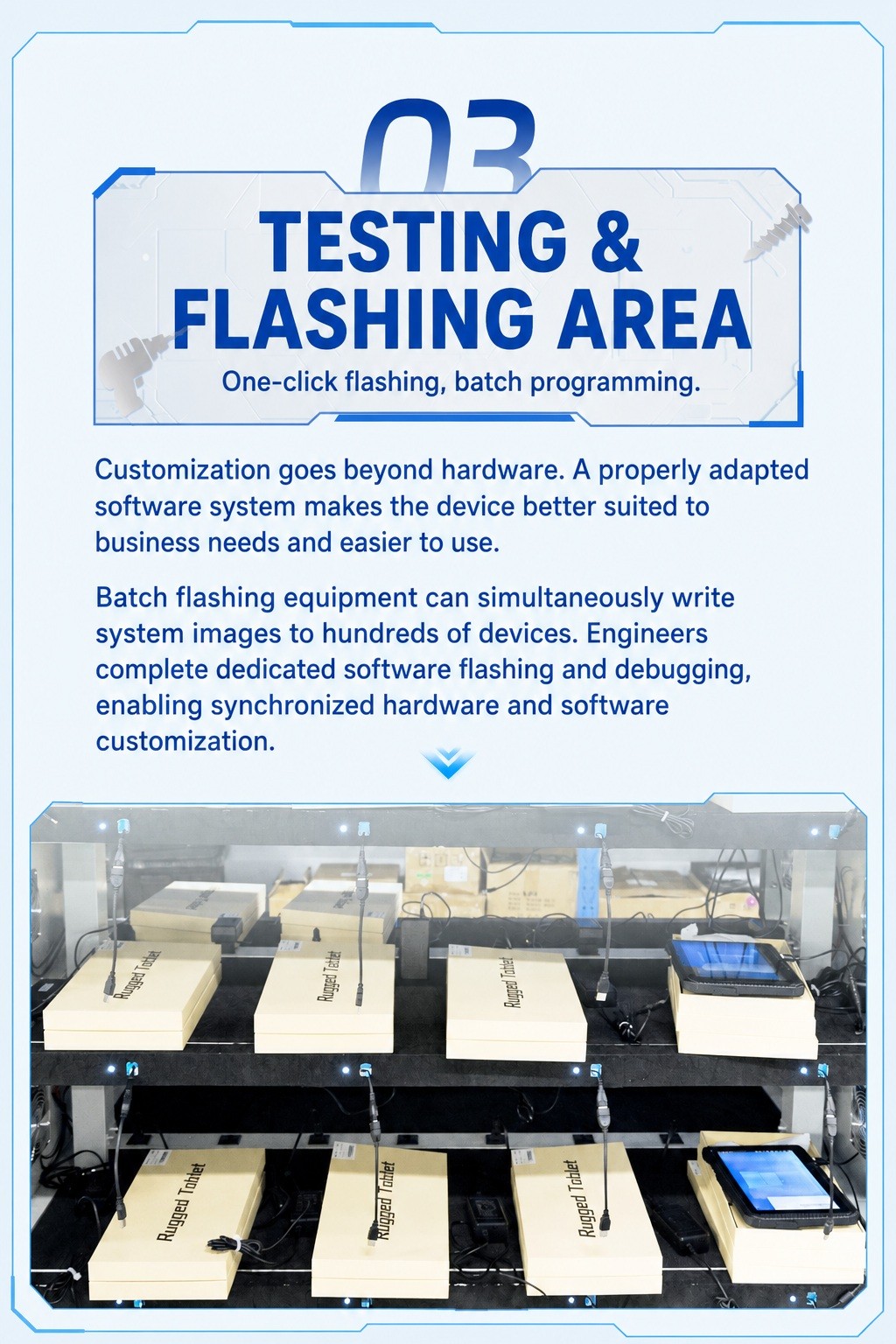
Software Adaptation: Making the Device Easier to Deploy and Use
Software adaptation is a key part of the custom rugged device process. Depending on customer needs, Emdoor can support system image configuration, application preinstallation, key mapping, startup behavior, kiosk mode, OTA update planning, device management settings, and other software-level adjustments.
For large-scale deployment, software consistency can be just as important as hardware configuration. When devices ship with the right system settings and applications already prepared, customers can reduce setup time and start using the devices more quickly.
Step 05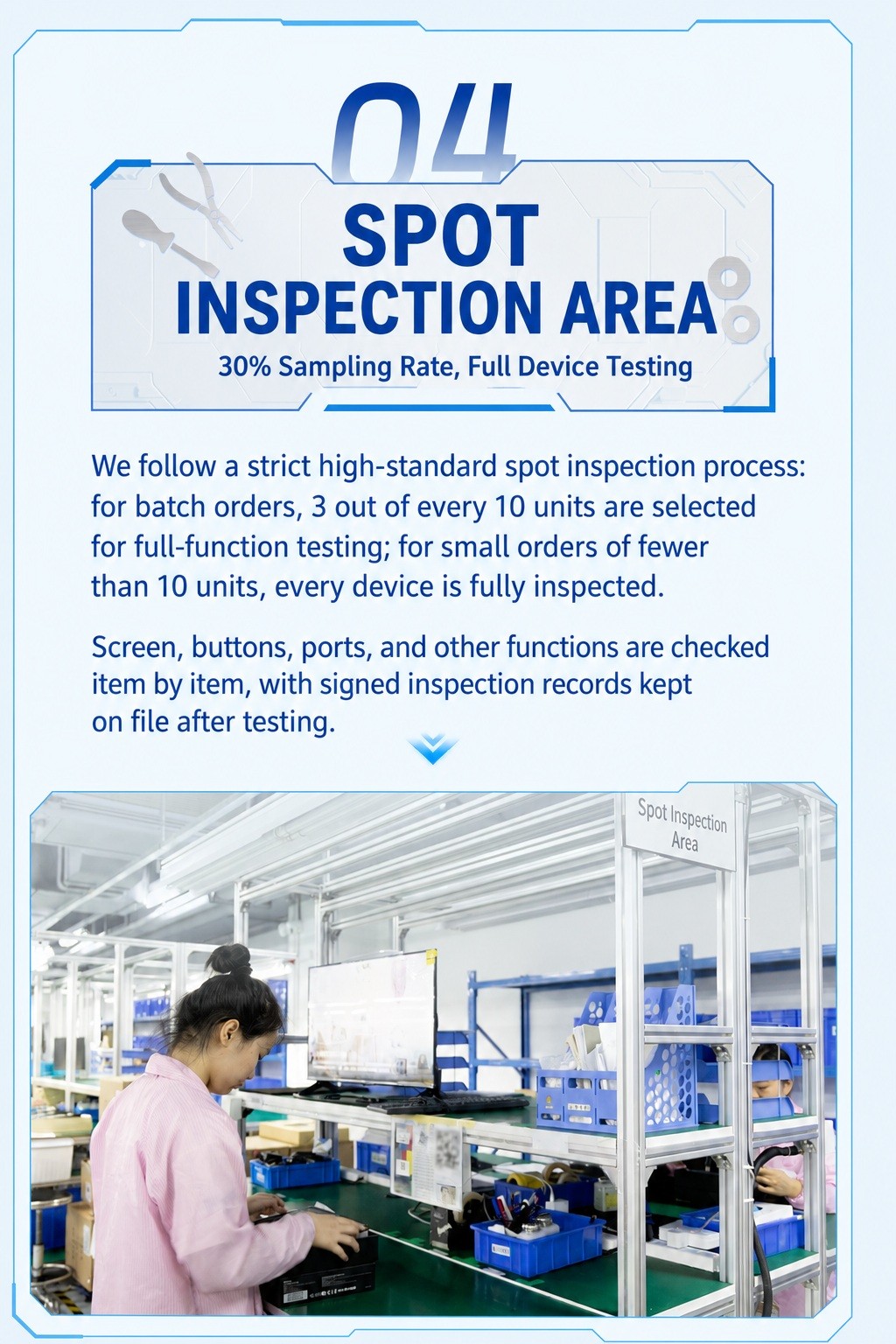
Testing and Validation: Checking Function, Stability, and Scenario Fit
A custom rugged device needs to be tested before delivery. Testing may cover hardware function, module performance, system stability, application compatibility, charging behavior, wireless connectivity, interface performance, barcode reading, docking connection, and other project-related items.
For industrial customers, testing is not only about whether the device can power on. It is about whether the device can work reliably in the intended workflow. This is why scenario-based validation is an essential part of customization.
By testing custom functions before shipment, the workshop helps reduce later deployment risks and improve delivery confidence.
Step 06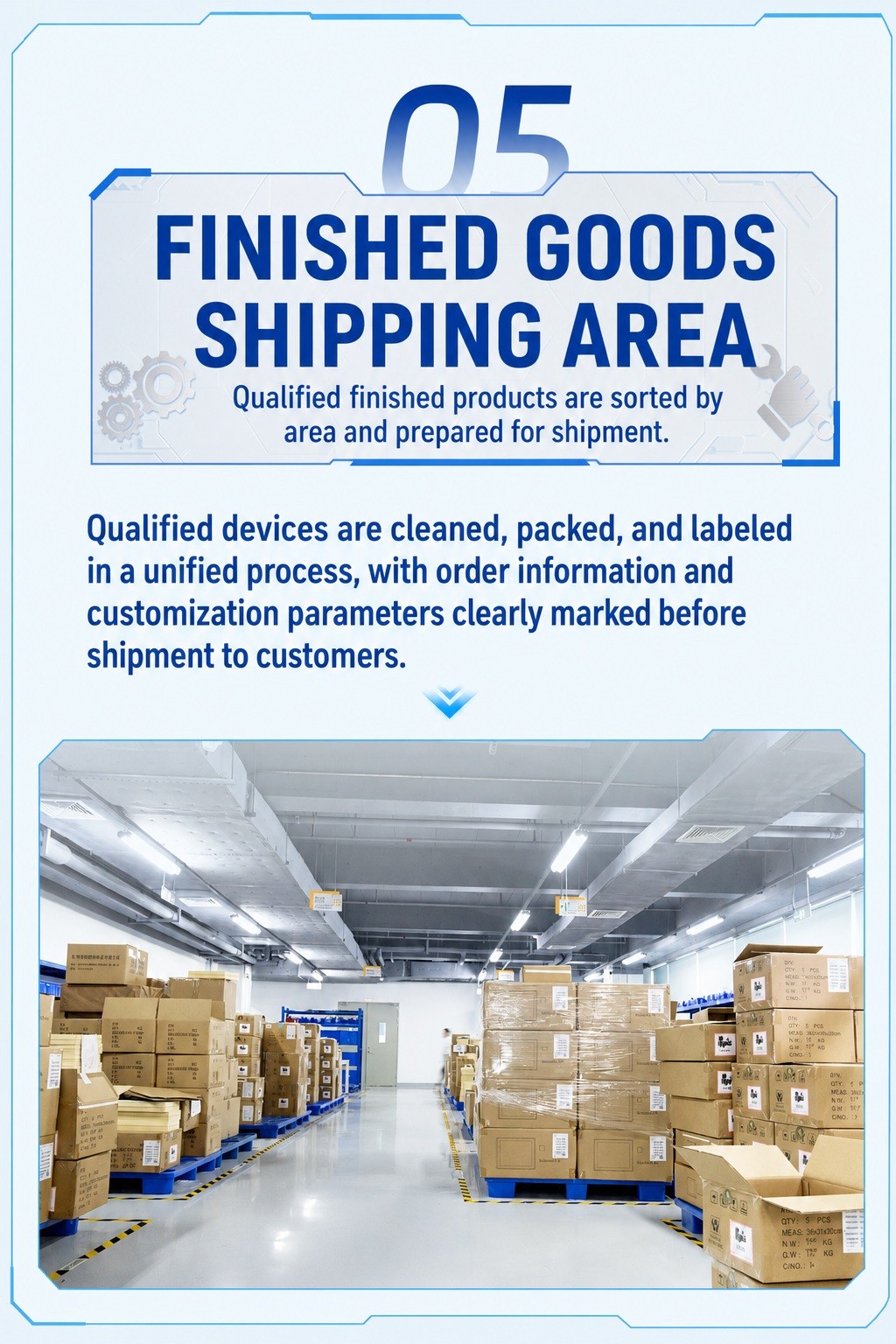
Final Delivery: From Customized Device to Project-Ready Solution
After configuration, adaptation, and validation, the custom rugged device enters the final delivery stage. At this point, the device is no longer just a standard product. It has been shaped by the customer’s scenario, workflow, and technical requirements.
For customers, this means the delivered device can better support real deployment. For Emdoor, it means the customization process has completed its purpose: turning a rugged terminal into a project-ready tool.
What Can Be Customized on a Rugged Device?
Customization needs vary by project, but most requirements fall into several common categories. The right combination depends on the application environment, user workflow, and deployment scale.
Hardware Configuration
Processor, memory, storage, display, brightness, battery, camera, scanner, NFC, GPS, RFID, communication modules, I/O ports, docks, and mounting accessories.
Software and System Settings
System image, application preinstallation, startup settings, key mapping, kiosk mode, OTA update settings, MDM policy, and user interface configuration.
Appearance and Branding
Logo, label, packaging, color details, boot animation, product name, and other customer-facing elements when the project requires brand customization.
Testing and Delivery Requirements
Function testing, compatibility checks, module verification, scenario validation, documentation, packing requirements, and delivery standards.
Which Projects Need Rugged Device Customization?
Not every project needs deep customization. However, when devices are deployed in special environments, connected to industry software, mounted on vehicles, used by multiple teams, or delivered at scale, customization can make a major difference.
Warehouse and Logistics
Projects may require scanning modules, Wi-Fi optimization, long battery life, key mapping, protective accessories, and fast deployment settings.
Vehicle and Fleet Management
Projects may require vehicle docks, wide-voltage input, GPS, LTE, ignition-related behavior, rugged mounting, and screen readability.
Manufacturing and Industrial Control
Projects may require interface expansion, application locking, system images, production software compatibility, and workstation-based deployment.
Field Inspection and Public Services
Projects may require sunlight-readable displays, camera configuration, NFC, GPS, battery policies, protective accessories, and remote management settings.
Buyer Checklist: What to Prepare Before Starting Customization
- What industry and work scenario will the device be used in?
- Will the device be handheld, mounted, docked, or vehicle-installed?
- Which operating system is required: Android, Windows, or Linux?
- Are special modules needed, such as barcode scanning, NFC, RFID, GPS, LTE, or camera?
- Are specific I/O ports, docking stations, or charging methods required?
- Does the project require app preinstallation, kiosk mode, key mapping, or MDM settings?
- Are there branding requirements such as logo, label, packaging, or boot animation?
- What testing standards or validation scenarios must be confirmed before delivery?
- What is the expected deployment quantity and timeline?
Conclusion: Customization Turns Rugged Hardware into a Project-Ready Tool
Inside Emdoor’s new customization workshop, a custom rugged device does not simply change its appearance. It goes through requirement analysis, configuration planning, hardware adjustment, software adaptation, testing, validation, and final delivery.
This process reflects the core value of Emdoor customization: helping customers transform rugged hardware into reliable tools that better match real industry workflows.
From rugged tablets and handheld terminals to vehicle-mounted devices and industrial computing solutions, Emdoor will continue to support customers with professional OEM/ODM customization capabilities and practical engineering experience.