



Related News


 16/17F, Emdoor Building, No.8 Guangke 1st Road, Pingshan District, Shenzhen


Linux Customization Solutions for Rugged Devices: Built for Real-World Industry Applications
Linux has become one of the preferred operating systems for many industry users because of its stability, security, flexibility, and open-source ecosystem. For enterprises working in industrial automation, fleet management, vehicle-mounted systems, field services, outdoor operations, and specialized commercial environments, Linux provides a strong foundation for building reliable and scalable device platforms.
However, a standard Linux system is often not enough for real-world industry deployment.
In vertical application scenarios such as industrial sites, vehicle control systems, commercial service terminals, and outdoor rugged environments, customers often face many practical challenges. Devices may need to be manually configured one by one after delivery. Network instability may interrupt business operations. End users may accidentally exit the required application or change system settings. Frequent power on/off cycles may increase the risk of file system damage.
These may seem like small technical issues, but they can directly affect project delivery efficiency, device stability, operational safety, and long-term maintenance costs.
Based on years of industry experience, Emdoor Information provides full-scenario Linux customization solutions for rugged devices. These solutions combine hardware capabilities with system-level optimization, helping customers build Linux-based rugged terminals that are ready for real business environments.
From system initialization and access control to power management, network reliability, peripheral adaptation, and security hardening, Emdoor’s Linux customization services help ensure that every device is better aligned with customer workflows, deployment environments, and operational requirements.
Why Standard Linux Is Not Always Enough for Rugged Industry Applications
Linux is powerful, flexible, and widely used. However, most standard Linux distributions are designed for general-purpose computing. In industrial and commercial environments, customers often need a dedicated system that is more controlled, more stable, and more closely connected to their application logic.
For example, a rugged tablet used in a vehicle diagnostic project may need to boot directly into a diagnostic application. A vehicle terminal may need to power on automatically when the vehicle starts and shut down safely when the vehicle is turned off. A field service device may require automatic network reconnection when Wi-Fi or 4G signals fluctuate. An industrial control terminal may need RS232, RS485, CAN, cameras, touch panels, and status indicators to work reliably with the system.
In these cases, Linux customization is not just a software option. It becomes a key part of the complete rugged device solution.
Emdoor Information supports customized Linux solutions for rugged tablets, rugged laptops, vehicle-mounted terminals, industrial PCs, and other professional devices. The goal is simple: make the terminal easier to deploy, safer to operate, more stable in the field, and more efficient to maintain.
1. System Pre-Configuration: Ready to Use After Delivery
For large-scale deployments, manually configuring each device can be time-consuming and inconsistent. Customers may need to set the language, time zone, input method, network parameters, application environment, file paths, startup behavior, and user interface preferences for every single unit.
This process increases labor costs and can also lead to configuration errors.
Emdoor’s Linux-based rugged terminals support customized pre-configuration, allowing devices to be delivered in a ready-to-use state.
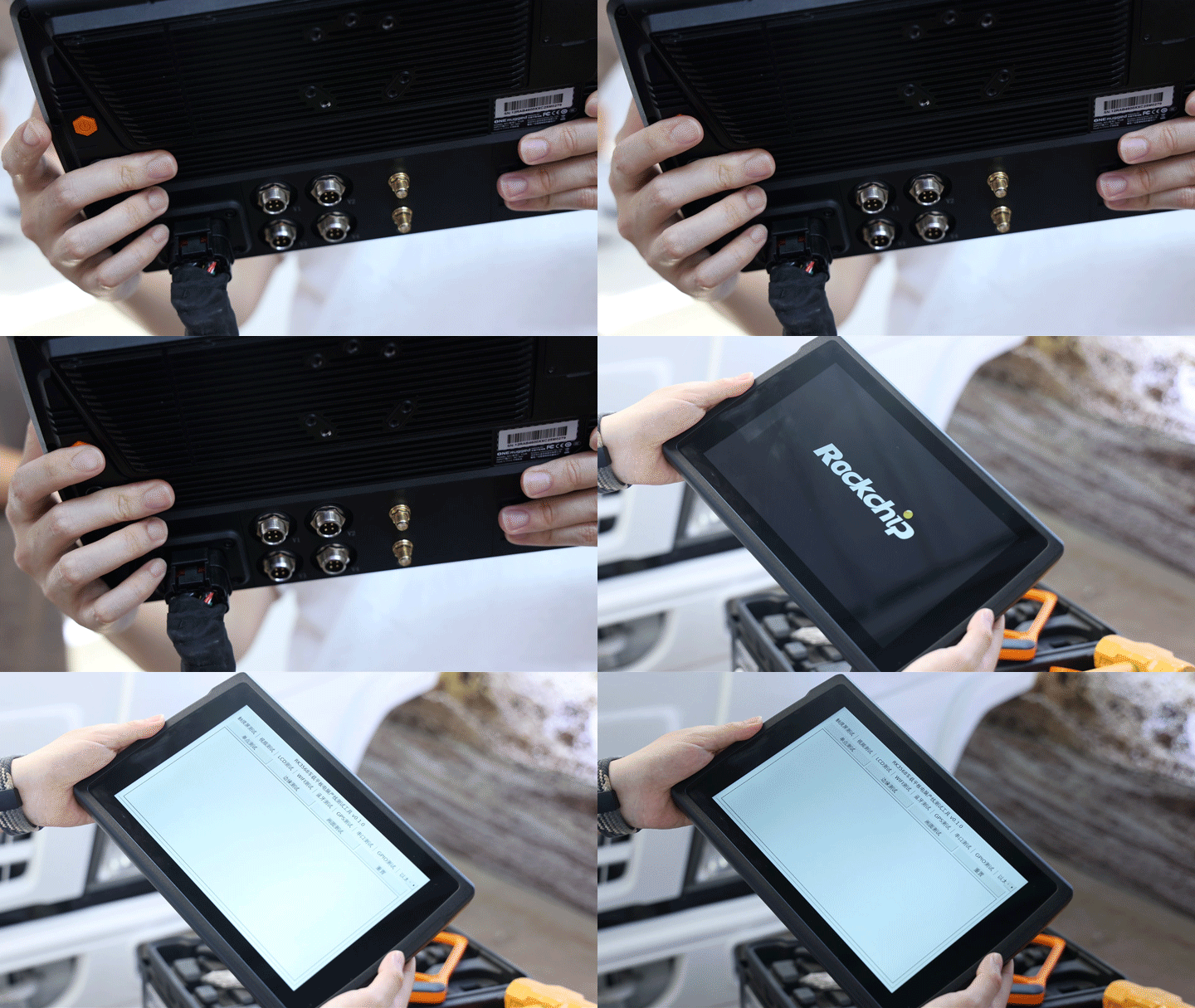
Brand Identity Customization
Emdoor can customize the boot logo and startup animation according to customer requirements. This allows the device to present the customer’s brand identity from the moment it powers on, improving brand consistency across projects and deployments.
Default System Settings
Language, time zone, input method, network settings, and other system preferences can be preset before delivery. This helps ensure that the device matches the customer’s actual usage environment immediately after startup.
Direct Access to Business Applications
The Linux system can be configured to launch the customer’s application directly after booting, bypassing the traditional desktop interface. This turns the rugged terminal into a dedicated business device rather than a general-purpose computer.
Pre-Installed Software and Runtime Environment
Required software, runtime environments, drivers, libraries, and business files can be pre-installed and placed in designated directories. This reduces on-site deployment work and helps shorten project implementation time.
With system-level pre-configuration, customers can reduce manual setup, improve deployment consistency, and allow devices to enter operation immediately after delivery.
2. Kiosk Mode and Access Control: Keep Operations Under Enterprise Management
In restaurants, retail stores, vehicles, factories, warehouses, and outdoor job sites, rugged terminals are often used by frontline workers. If the system allows too much freedom, users may accidentally exit the business application, change system settings, open unauthorized programs, or install unnecessary software.
These actions can interrupt workflows and create unnecessary maintenance work.
Emdoor’s customized Linux system supports multi-level access control, helping customers lock down the interface, application behavior, and user permissions.
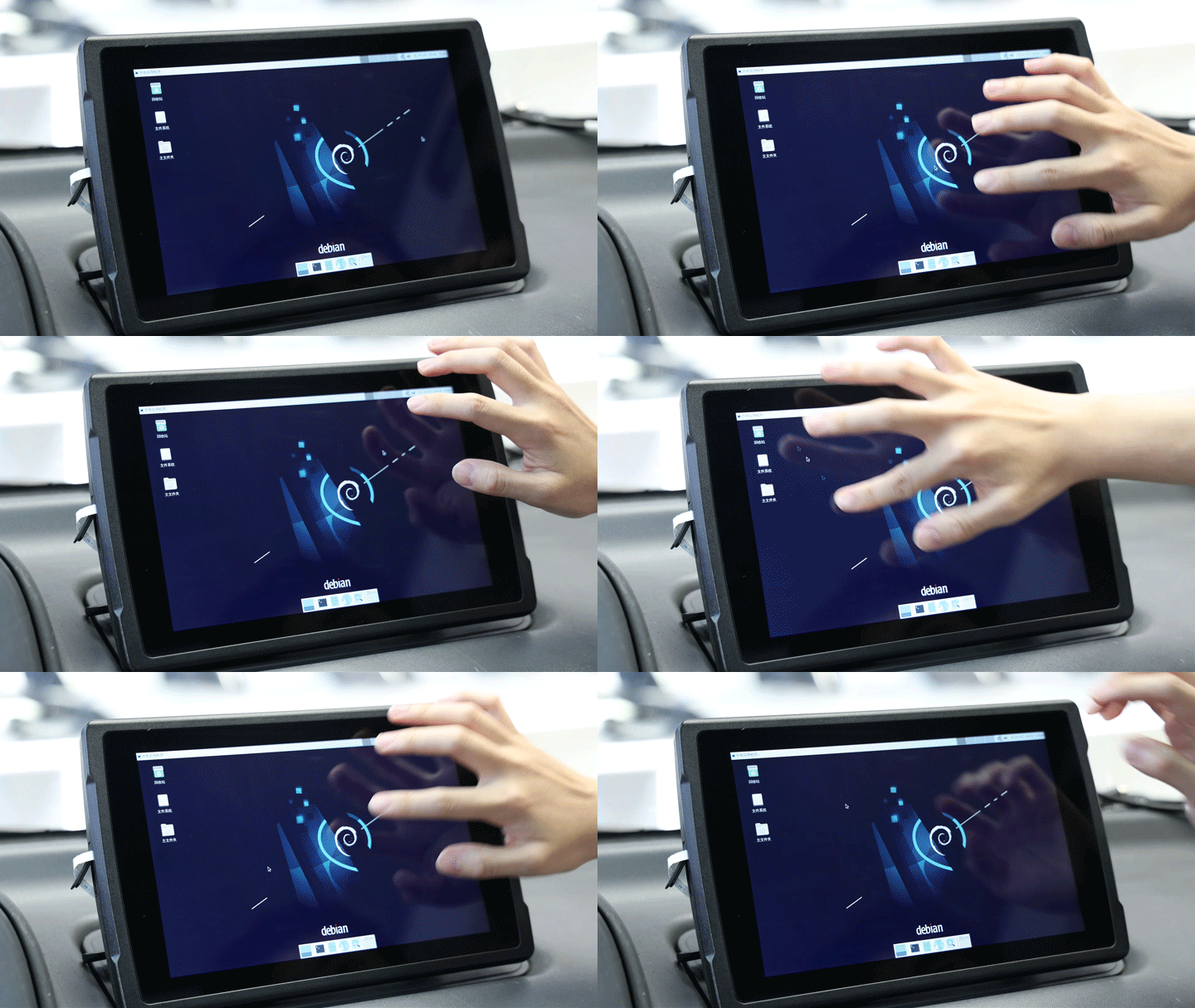
Linux Kiosk Mode
The device can be configured to run a specific application in full-screen exclusive mode. Users cannot easily switch to other programs or leave the designated interface. This is especially useful for service terminals, vehicle-mounted applications, self-service devices, and industrial control panels.
Interface Restriction
The system can hide the bottom application bar, disable the desktop, and block access to system settings menus. This reduces unnecessary operation paths and keeps users focused on the intended business workflow.
Permission Control
Only authorized applications can be allowed to run. Non-approved programs can be blocked from opening, reducing the risk of incorrect operations or unauthorized software usage.
Software Installation Control
Users can be prevented from installing or uninstalling software by themselves. This helps maintain a stable software environment and prevents system issues caused by unexpected changes.
Through kiosk mode and permission control, enterprises can standardize terminal behavior, reduce user error, and ensure that business applications remain continuously available.
3. Power Management: Protect the Linux System During Frequent Power Cycles
In vehicle-mounted, industrial, and outdoor environments, devices may frequently power on and off. They may also experience sudden power loss, vehicle ignition changes, or unstable external power supply.
Without proper protection, frequent or abnormal shutdowns may damage the Linux file system, interrupt data writing, or even cause the device to fail to boot properly.
Emdoor’s Linux customization solutions include complete power management support, helping protect the system from startup to shutdown.
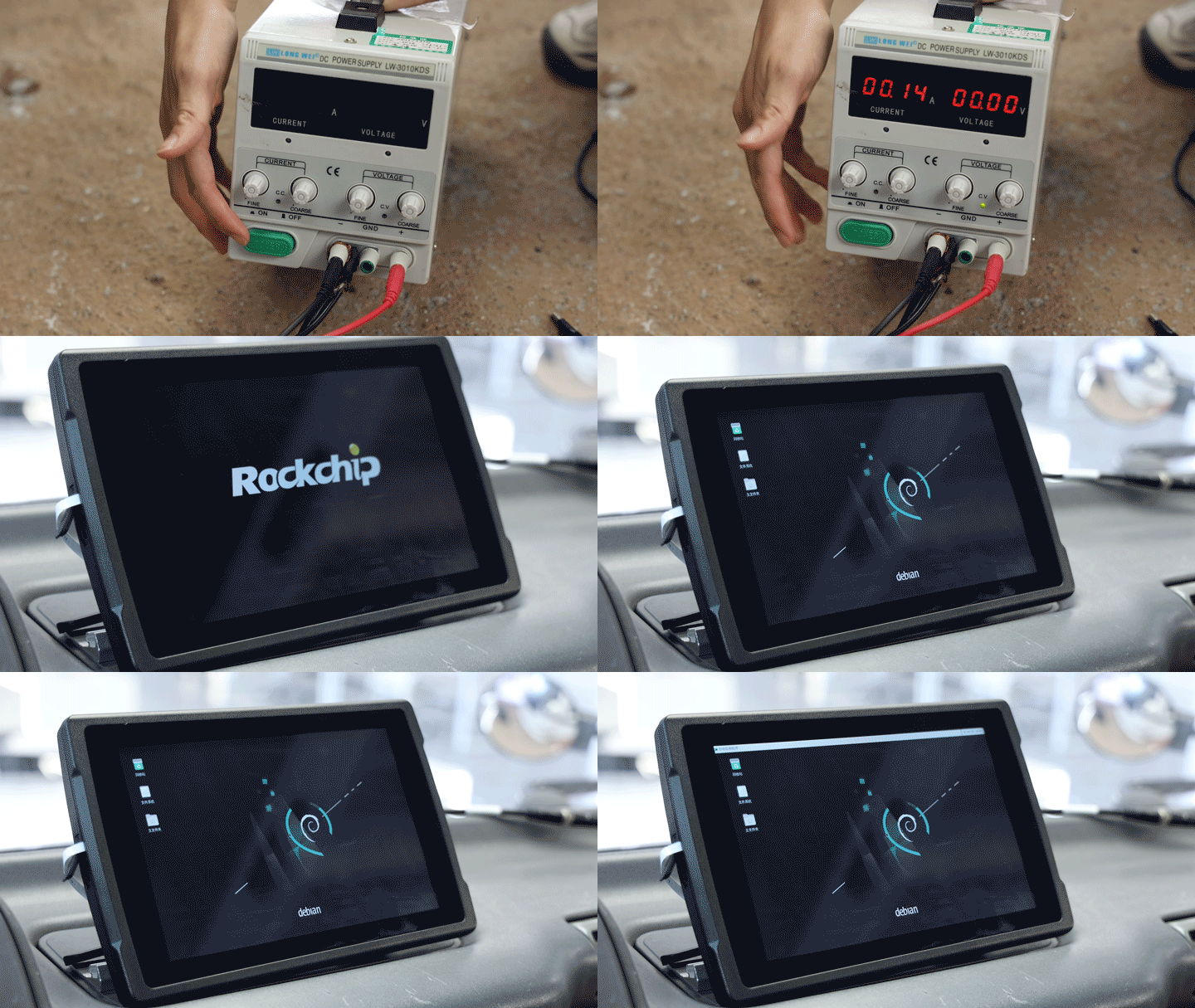
Automatic Power On and Safe Shutdown
The device can be configured to shut down safely when power is disconnected and automatically power on when power is restored. This is suitable for unattended terminals, vehicle systems, industrial devices, and fixed installation projects.
ACC Power Logic Integration
For vehicle-mounted scenarios, Emdoor can adapt the system to ACC power logic. The device can power on when the vehicle starts and shut down when the vehicle is turned off. This makes it suitable for fleet management terminals, vehicle control systems, in-vehicle displays, and transportation applications.
Abnormal Power-Off Protection
Built-in power-off protection mechanisms can help reduce the risk of system damage caused by sudden power failure. This is especially important for devices used in harsh or unstable power environments.
Fast Wake-Up Support
Sleep mode and fast wake-up functions can be supported to balance response speed and power consumption. This allows the terminal to resume work quickly when needed.
Read-Only System Design
A read-only system solution can be adopted to protect key system files from unexpected modification or corruption. This improves system robustness and reduces the risk of failure caused by frequent shutdowns.
By combining power logic, shutdown protection, and file system hardening, Emdoor helps customers reduce system damage risks and improve long-term device reliability.
4. Network Reliability: Keep Devices Online in Complex Environments
Industrial sites, vehicles, warehouses, outdoor areas, and remote service locations often have unstable network conditions. Devices may switch between wired Ethernet, Wi-Fi, and 4G networks. Weak signals, temporary disconnections, or network priority issues may interrupt data transmission and affect business continuity.
Emdoor’s Linux-based rugged terminals support multiple network reliability mechanisms to help devices stay connected in complex environments.
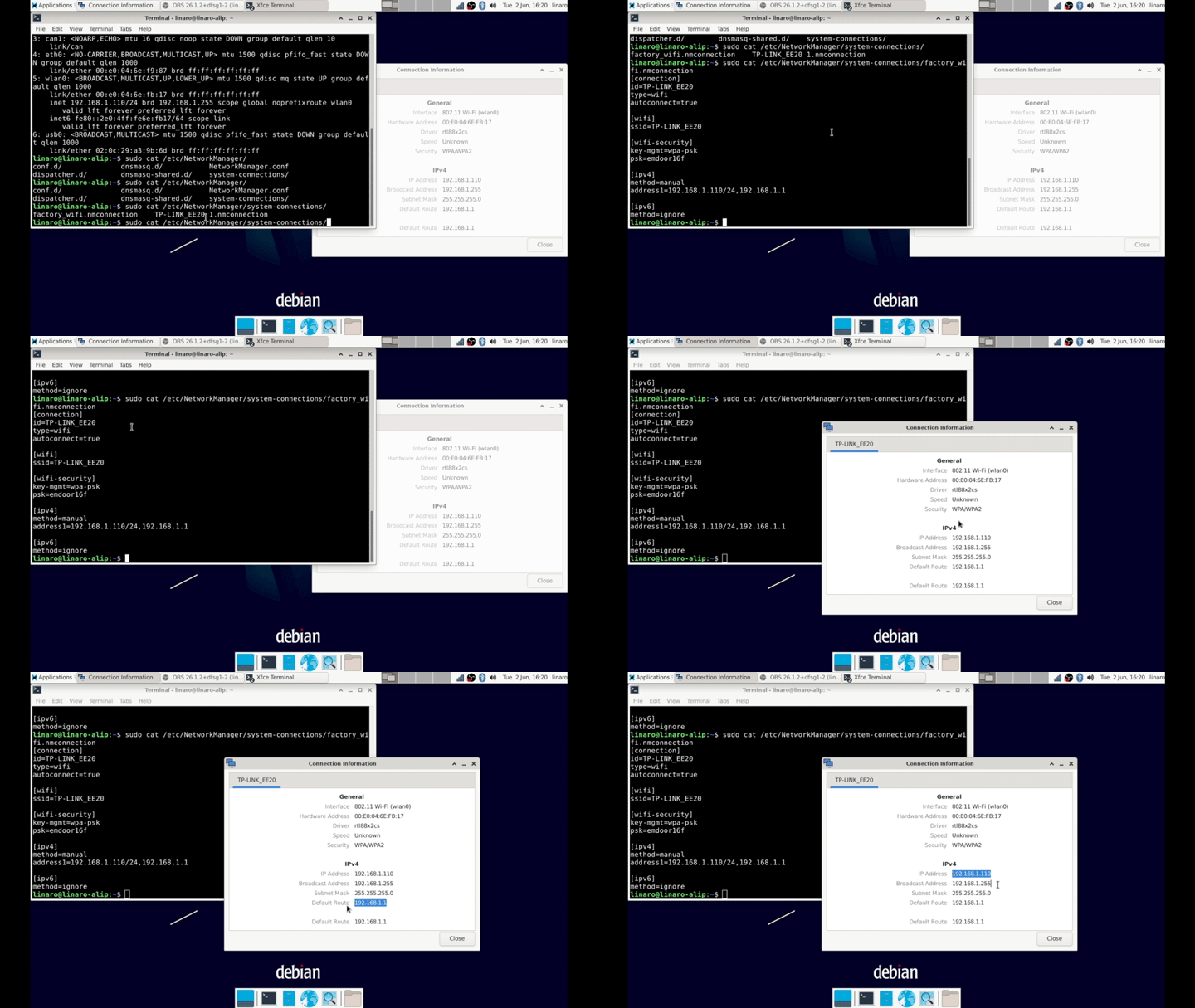
Automatic Network Connection
Network settings can be pre-configured before delivery. After the device starts, it can automatically connect to the designated network, reducing manual setup work in the field.
Automatic Reconnection
When the network is disconnected, the system can automatically reconnect. This may include 4G modem connection and redialing, Wi-Fi reconnection, and wired network recovery, helping improve network continuity.
Multiple Network Access
The device can support multiple network types at the same time, such as wired Ethernet plus 4G. This provides greater flexibility for environments with changing network conditions.
Network Priority Switching
Customers can define which network should be used first. If the primary network becomes unavailable, the system can switch to a backup network based on predefined rules.
Static IP Configuration
Static IP addresses can be configured in advance to support enterprise networks, industrial networks, internal platforms, and fixed device management requirements.
Remote Maintenance
Remote connection and maintenance can be supported, allowing administrators to check device status, troubleshoot issues, and perform system maintenance without visiting the site.
With automatic connection, reconnection, multi-network support, and remote maintenance, Emdoor’s Linux customization solutions help reduce downtime caused by network instability.
5. Peripheral and Interface Adaptation: Shorten Project Integration Time
Many industrial and vehicle-mounted projects require terminals to work with different interfaces, communication modules, sensors, cameras, and specialized peripherals. If customers need to adapt these components by themselves, the process can be technically complex and time-consuming.
Emdoor provides one-stop peripheral adaptation for Linux-based rugged terminals, covering mainstream industrial interfaces and professional hardware modules.
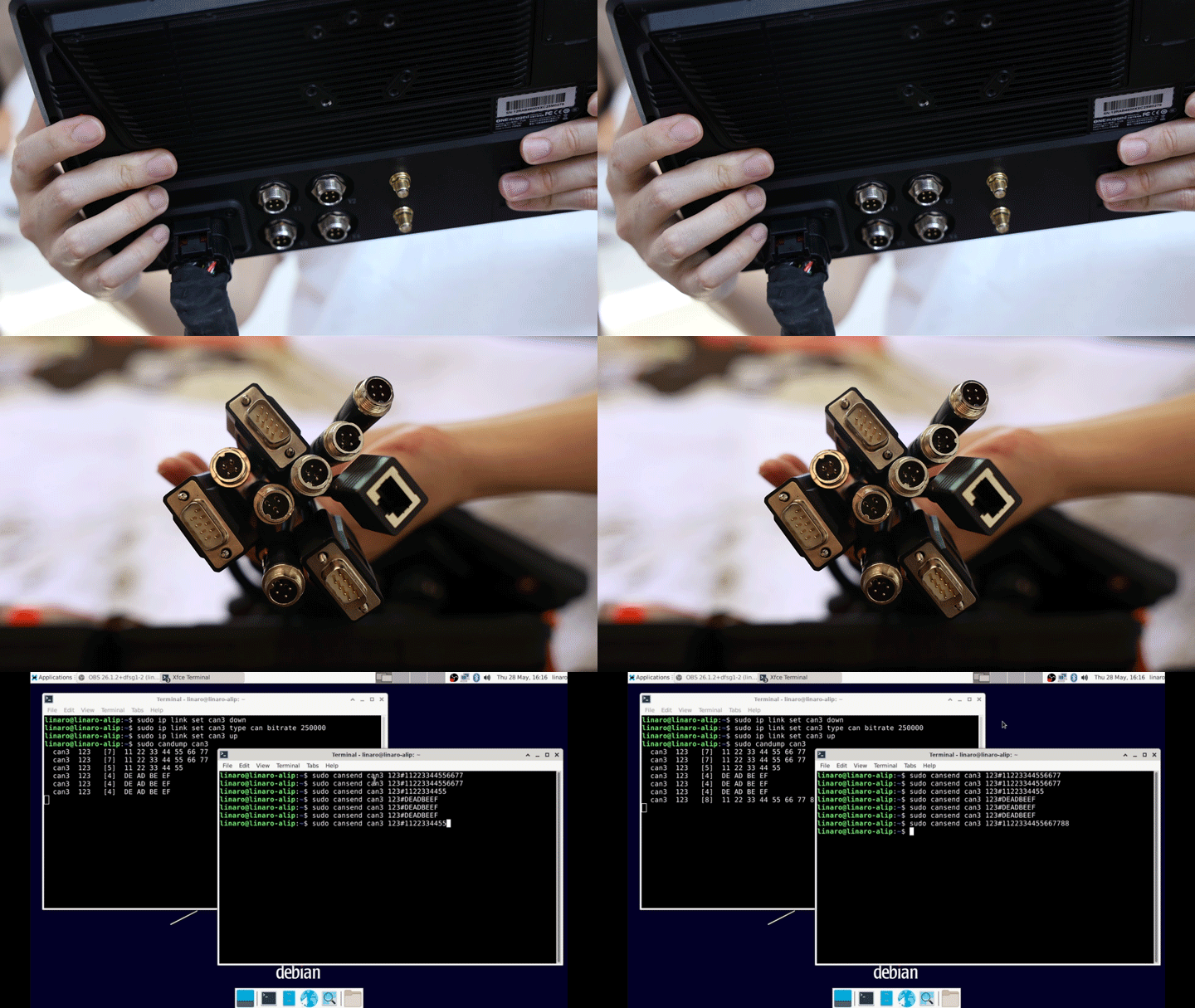
Industrial Bus Support
Emdoor Linux devices can support mainstream industrial interfaces such as RS232, RS485, and CAN. These interfaces are commonly used in industrial control, automation equipment, vehicle systems, data collection, and machine communication.
Communication Module Optimization
4G modem connection, redialing, and network stability can be optimized to improve communication reliability in mobile and remote environments.
Dedicated Peripheral Adaptation
Emdoor can support cameras and various industry-specific peripherals according to project requirements. This is useful for applications such as image capture, barcode scanning, inspection, monitoring, data acquisition, and smart recognition.
Serial Port Permission Configuration
Serial node permissions can be configured according to customer needs. This makes it easier for field teams and application systems to access required interfaces during debugging and operation.
Touch Panel Optimization
Touch panel parameters can be delivered and optimized to improve compatibility with specific touch hardware. This helps create a more responsive and stable touch experience.
System Status Indicator Integration
Indicator lights can be linked with system status to provide real-time feedback on device operation. This allows users to quickly understand whether the device is running normally, connected, charging, or experiencing an abnormal state.
Through one-stop system and peripheral adaptation, Emdoor helps customers reduce integration complexity, shorten development cycles, and accelerate project delivery.
6. System Security Hardening: Build a Lightweight, Secure, and Controlled Linux Terminal
For industrial, government, energy, transportation, logistics, and enterprise applications, system security and controllability are critical. A standard Linux system may contain many general-purpose services, ports, and modules that are not needed for dedicated terminals.
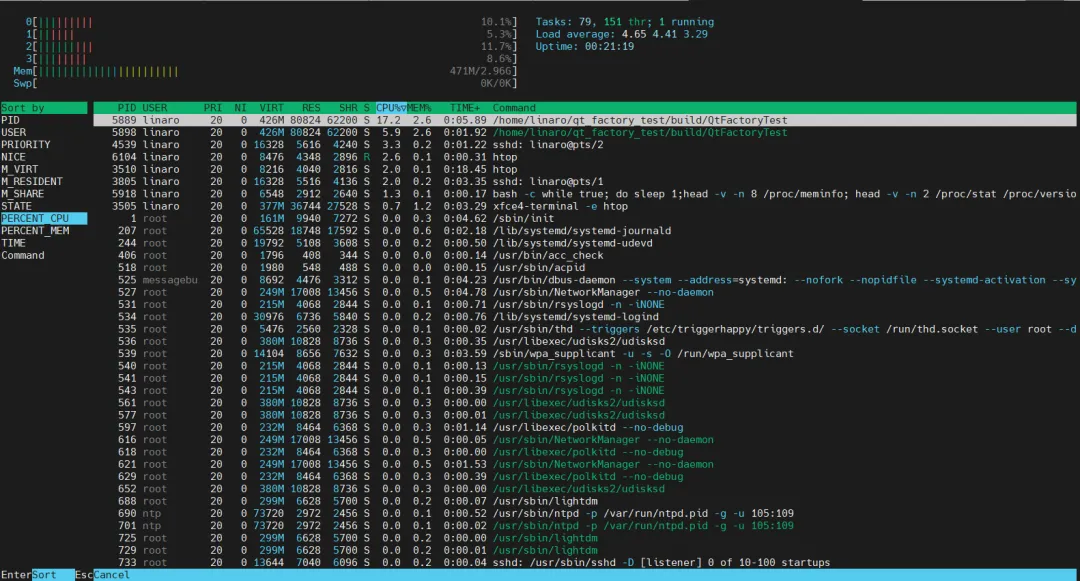
Leaving unnecessary functions enabled may increase the attack surface, reduce system efficiency, and make management more difficult.
Emdoor’s Linux customization solutions support deep customization from the system layer to the application layer, helping customers build lightweight, secure, and controlled rugged terminals.
System Streamlining
Unnecessary services and components can be removed or disabled, while only required modules are retained. This helps reduce system size, improve efficiency, and simplify the operating environment.
Security Hardening
Unused ports and high-risk services can be disabled to reduce security exposure. This helps improve system protection for industry-specific deployments.
Hardware Module Control
Communication, audio, camera, or other non-essential hardware modules can be disabled according to project requirements. This is useful for industries with strict data security or device control requirements.
Permission Management
Root access can be provided under controlled conditions when required for development, debugging, or system integration. Emdoor can also customize permission control schemes to balance flexibility and security.
Browser Lockdown and Customization
For web-based applications, Emdoor supports browser lockdown and customization. This can include modifying the homepage, disabling unnecessary functions, restricting user access, and creating a dedicated browser environment for business applications.
With system streamlining, security hardening, permission management, and browser customization, Emdoor helps customers build Linux-based rugged terminals that are safer, lighter, and more controllable.
More Linux Customization Options
In addition to the six core customization areas above, Emdoor can provide more Linux optimization options based on project needs.
Qt Direct Boot
Description: The device boots directly into the customer’s Qt application, bypassing the traditional Linux desktop environment.
Advantage: Faster startup, lower memory and CPU usage, cleaner interface, and improved system stability.
Fast Linux Boot
Description: U-Boot, kernel loading, system services, and Qt startup processes are deeply optimized.
Advantage: Combined with Qt direct boot, internal tests have achieved entry into the business interface in about 8 seconds. Actual startup time may vary depending on the application and environment.
These optimization options are especially useful for dedicated terminals where fast startup, stable operation, and clean user interaction are required.
Software and Hardware Integration for Real Business Scenarios
Whether the project involves rugged tablets, rugged laptops, vehicle-mounted terminals, or industrial devices, Emdoor’s Linux customization solutions can be tailored to actual business requirements.
By combining system pre-configuration, kiosk mode, power protection, network reliability, peripheral adaptation, and security hardening, Emdoor helps customers achieve:
Easier deployment, more stable operation, lower maintenance costs, and closer alignment with real business workflows.
For customers building Linux-based rugged devices, the operating system should not be only a general-purpose platform. It should become a dedicated system engine that supports the actual workflow, environment, and management requirements of the business.
Looking ahead, Emdoor Information will continue to deepen its expertise in industry-specific scenarios and optimize integrated software and hardware solutions. Through customized Linux systems and rugged computing platforms, Emdoor aims to help customers build terminals that are not only durable, but also smarter, safer, and more aligned with real operational needs.