



Related Products


 16/17F, Emdoor Building, No.8 Guangke 1st Road, Pingshan District, Shenzhen


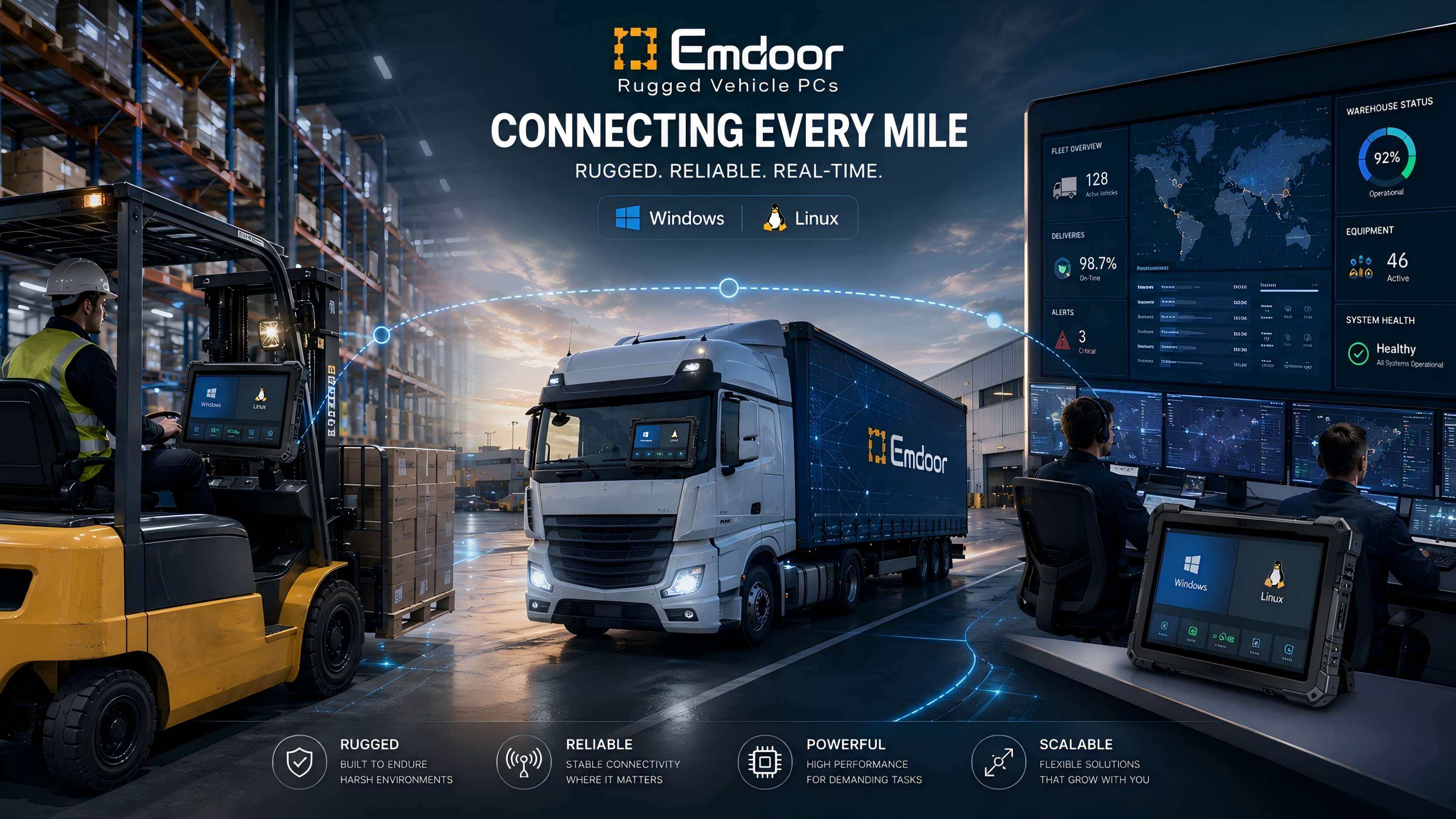
Rugged Vehicle PCs keep warehouse vehicles, trucks, cranes, and mobile workstations connected when paper, handheld scanners, and consumer tablets slow the team down. Downtime hurts. For fleet and logistics teams, the right Windows vehicle computer or Linux vehicle PC turns each moving asset into a controlled data point.
Why Rugged Vehicle PCs Fit Mixed Fleet Workflows
Fleet teams rarely run one task on one system. They scan pallets, guide drivers, update route data, send proof-of-delivery records, and sync with ERP or WMS software during the same shift. Rugged Vehicle PCs support that mix because they sit where work happens: on forklifts, trucks, AGVs, tow tractors, yard vehicles, and mobile inspection carts.
That matters.
A consumer tablet can work in an office. A vehicle mounted computer must handle vibration, dust, wide temperature swings, glare, gloves, power changes, and long operating hours. Emdoor builds vehicle computers for warehousing, transportation, and automation teams that need stable hardware plus practical software choices. See the full Vehicle PC lineup for current models.
Rugged Vehicle PCs For Windows And Linux Use Cases
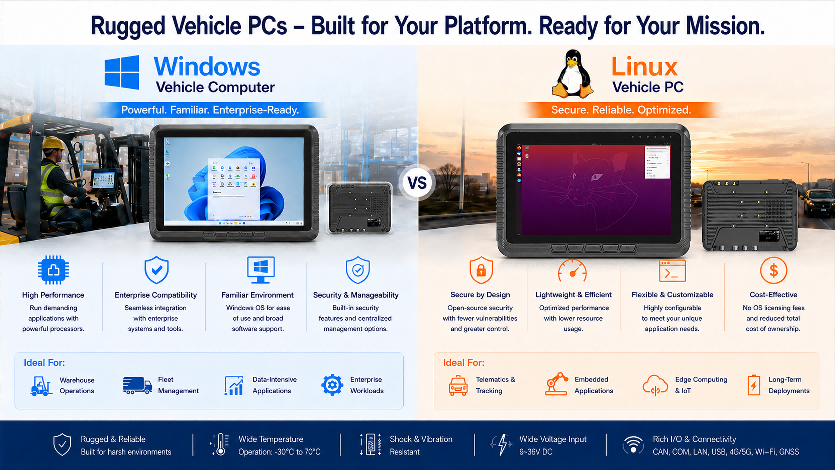
Windows and Linux solve different jobs. Choose clearly. A Windows vehicle computer works well when teams already use Windows-based WMS clients, fleet dashboards, legacy desktop apps, barcode middleware, or driver terminals. A Linux vehicle PC fits teams that want system control, kiosk behavior, custom services, edge scripts, and long-term embedded deployment.
No guesswork.
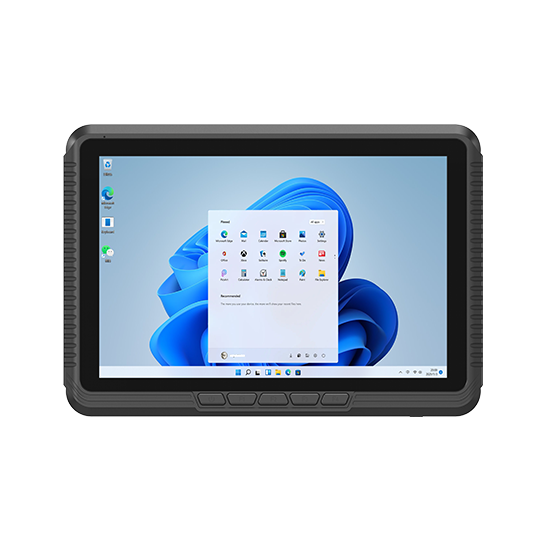
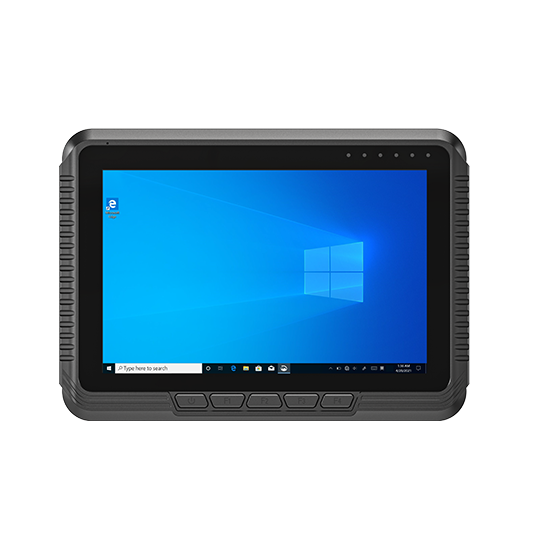
For mixed fleets, the decision often comes down to software ownership. Windows helps IT teams deploy familiar tools, domain policies, and remote support. Linux helps engineering teams reduce system overhead, lock down services, and build purpose-fit automation. Emdoor covers both paths through models such as EM-V10J Windows Vehicle PC and EM-V80J Linux Vehicle PC.
Where Windows Vehicle Computers Win
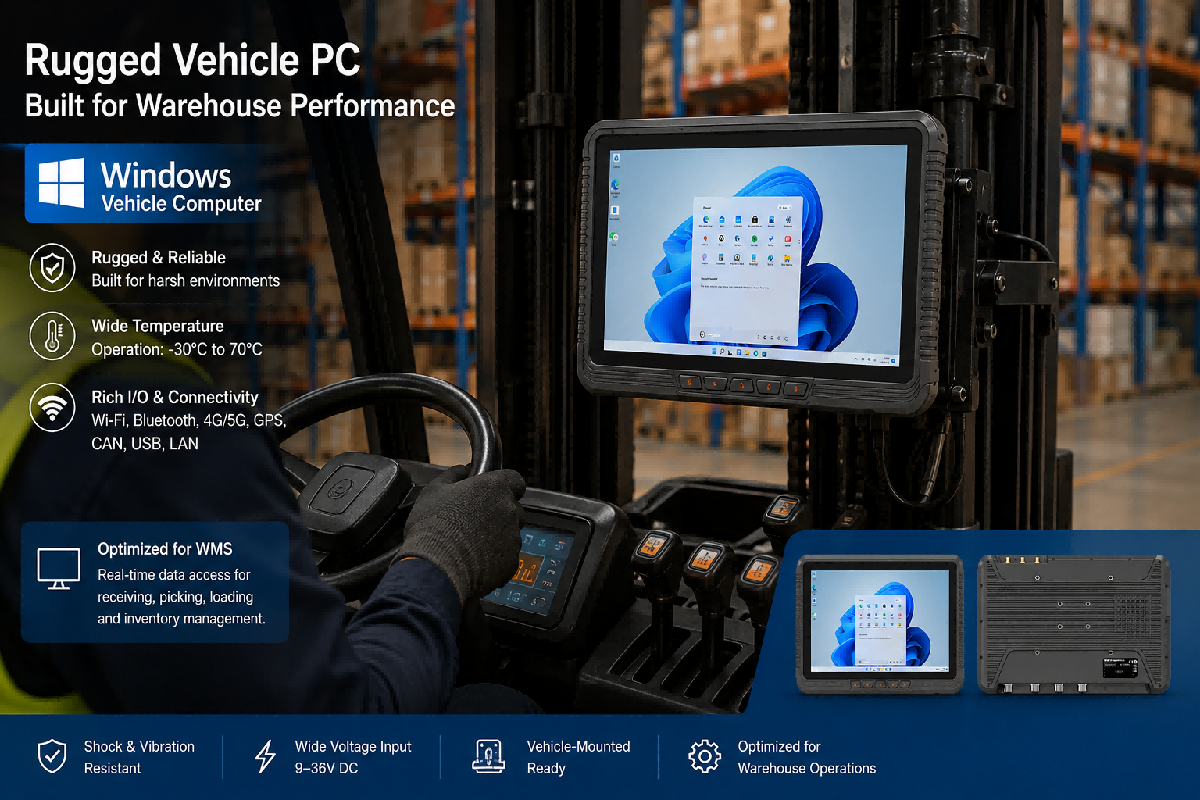
A Windows vehicle computer fits companies that already depend on Windows-based apps in dispatch, warehouse control, production tracking, or mobile service. It also helps when staff need a familiar interface. Training moves faster. Drivers can use touch panels, shortcut keys, barcode tools, and dashboard apps with less friction.
The EM-V10J is a strong example. It uses an Intel Jasper Lake N5100 platform, supports Windows 11 Home in the product parameters, includes 8GB memory and 128GB storage, and offers Wi-Fi, Bluetooth, optional 4G, GNSS, RS232, RS485, CAN, Ethernet, and vehicle mounting options. For fleet teams, that port mix can connect scanners, printers, sensors, and vehicle-side systems from one terminal.
Where Linux Vehicle PCs Win
A Linux vehicle PC fits automation teams that need a controlled runtime. It can run custom apps, lightweight dashboards, telemetry clients, device services, and local scripts without extra software clutter. This works well in smart warehouses, unmanned vehicles, port yards, and industrial carts where the terminal acts like an edge node.
Control matters.
The EM-V80J Linux Vehicle PC uses Ubuntu 22.04.4, an Intel Jasper Lake N5100 processor, dual-band Wi-Fi, 4G, GPS/GLONASS, RS232, RS485, USB, Ethernet, and optional CAN. That makes it a useful Linux vehicle PC for teams that need in-vehicle computing, data capture, and system-level customization in one device.
Use Rugged Vehicle PCs To Reduce Fleet Data Gaps
Fleet work loses time when job data arrives late. A driver may complete a delivery before dispatch sees the update. A forklift may move inventory before the WMS receives the scan. A yard truck may sit idle because location data is missing. Rugged Vehicle PCs help close those gaps by keeping the operator, vehicle, and software system connected.
Shift by shift.
For transportation teams, a vehicle mounted computer can support navigation, route status, proof-of-delivery capture, GPS tracking, work order updates, and driver messaging. For warehouse teams, the same device can support picking, put-away, loading, inventory checks, dock assignment, and pallet verification. Review Emdoor’s Transportation Solution and Warehouse Management Solution pages when building the article’s related-page links.
Match The Device To The Vehicle, Not The Other Way Around
A forklift cab is not a delivery van. A yard truck is not a crane. A warehouse tugger is not an AGV. Each vehicle creates different mounting, power, vibration, screen, and I/O needs. Start with the vehicle, then select the computer.
Use a checklist.
For forklifts, prioritize VESA or RAM mounting, glare control, glove touch, Wi-Fi roaming, barcode workflow support, and stable power input. For trucks, prioritize GNSS, 4G, Bluetooth, camera support, wide-voltage input, and driver interface design. For automation carts, prioritize Linux support, serial ports, CAN, Ethernet, and kiosk-mode deployment.
Rugged Standards Buyers Should Check
Do not buy only from a spec sheet. Ask what the device has passed and how that maps to your site. IP ratings describe protection against dust and water under defined enclosure tests. SAE J1455 covers environmental conditions for heavy-duty vehicle electronics. ISO 3691-4 applies to driverless industrial trucks and their systems.
Test proof helps.
For vehicle deployments, review IP rating, drop resistance, vibration and shock data, operating temperature, storage temperature, humidity limits, power input range, and connector design. Emdoor’s EM-V82T, for example, lists IP65, MIL-STD-810H, ISO7637-2, and ISO16750 certification on the product page. Its vehicle dock, GNSS support, camera, optional barcode reader, NFC, Android 14/GMS system, and 700-nit display make it a strong fleet management tablet for logistics and public transit teams. See EM-V82T Rugged Vehicle Tablet.
Build The Software Stack Before Purchase
Hardware selection gets easier when the software stack is clear. List each app, driver, scanner, printer, middleware tool, GPS service, and remote-management method before choosing a model. Windows and Linux decisions should come from that list. The device should serve the workflow.
Keep it practical.
A Windows vehicle computer may need Windows-based WMS software, browser access, MDM enrollment, local user permissions, peripheral drivers, and update rules. A Linux vehicle PC may need Ubuntu packages, system services, container support, shell scripts, SSH access, OTA workflow, watchdog logic, and locked kiosk launch. Microsoft’s Windows IoT Enterprise LTSC page is useful for teams evaluating long-lifecycle Windows deployments, while Ubuntu Core is useful for teams planning secure embedded Linux and OTA updates.
Plan I/O Around Real Workflows
Ports decide what your team can connect without extra adapters. In vehicle environments, adapters become weak points. A vehicle mounted computer may need USB for scanners, serial ports for legacy equipment, Ethernet for fixed devices, CAN for vehicle data, SIM support for mobile network access, and GNSS for positioning.
Simple wins.
Emdoor’s Linux and Windows vehicle models list combinations of USB, RS232, RS485, Ethernet, optional CAN, Wi-Fi, Bluetooth, 4G, and GNSS. That range gives buyers room to match devices to forklift terminals, route vehicles, warehouse carts, mobile inspection stations, and automation equipment. For broader plant terminals, link readers to Emdoor’s Industrial Panel PC category when the use case moves from a vehicle cab to a fixed workstation.
Deployment Tips For Fleet And Logistics Teams
Start small. Pilot Rugged Vehicle PCs on three to five vehicles that represent daily problems. Include one forklift, one delivery route, one yard vehicle, and one station with weak wireless coverage. Track scan rate, task time, connection drops, driver feedback, charging behavior, and support tickets.
Then scale.
Before rollout, document mount position, cable path, power source, app launch flow, login method, network handoff, update window, spare-device process, and support contact. For Windows fleets, test every driver and app under the same account type used in production. For Linux fleets, test service recovery after power loss, network drop, and forced reboot.
Common Buying Mistakes
The first mistake is buying screen size before checking cab space. A large display can block sight lines. The second mistake is ignoring wireless handoff in warehouses with dense racks. The third mistake is treating all vehicles as the same. The fourth mistake is choosing an operating system before confirming software support.
Avoid shortcuts.
Another mistake is skipping mounting and power design. Rugged Vehicle PCs need stable mounting, cable strain relief, clean power input, and a support plan. A strong device can still fail in use when the bracket shakes loose or the cable path rubs against metal. Check the whole installation, not only the terminal.
How Emdoor Helps Build The Right Vehicle PC Setup
Emdoor’s value is not limited to one device. The lineup gives teams options across Android, Windows, and Linux, with vehicle models for fleet management, warehouse handling, transport operations, and automation workflows. That range helps buyers choose the device around the job rather than forcing one terminal into every vehicle.
Better fit. Better rollout.
For teams comparing Windows and Linux, start with three questions: Which software controls the job? Which vehicle creates the hardest install? Which data must reach the system in real time? Those answers point toward the right Rugged Vehicle PCs, the right accessories, and the right deployment plan.
Next Step: Turn Vehicle Data Into Action
Rugged Vehicle PCs give fleet, logistics, and automation teams a direct path from vehicle activity to system data. Windows helps teams run familiar apps in moving vehicles. Linux gives engineering teams control over embedded services and edge workflows. The best choice depends on the vehicle, the software, and the site.
Move the project forward.
Review the Vehicle PC lineup, compare a Windows vehicle computer with a Linux vehicle PC, and shortlist the models that match your vehicle power, mounting, I/O, display, and network needs. Then test them in the vehicles that create the most downtime.
Related News